Viewing Organizer Properties
This topic discusses how to view organizer properties.
See Organizers, Creating Organizers.
To view organizer properties:
-
Select
-
Select an organizer whose properties you want to view.
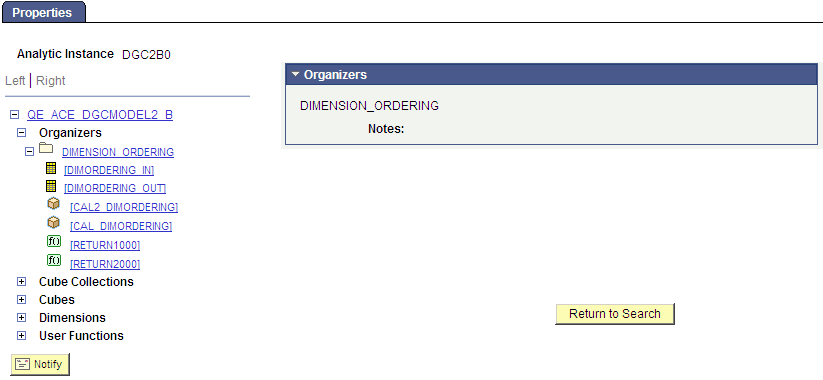
The Analytic Model Viewer - Properties page, Organizer Properties panel appears.
This example illustrates the fields and controls on the Analytic Model Viewer - Properties page, Organizer Properties panel.