Viewing User Function Properties
This topic discusses how to view user functions.
See Understanding Rules, Formulas, and User Functions, Defining and Editing User Functions.
To view user function properties:
-
Select
-
Select a user function whose properties you want to view.
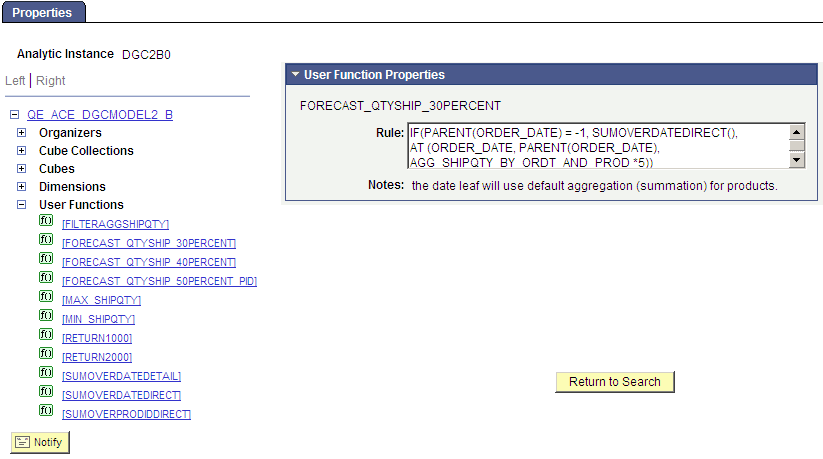
The Analytic Model Viewer - Properties page, User Function Properties panel appears.
This example illustrates the fields and controls on the Analytic Model Viewer - Properties page, User Function Properties panel. Definitions for the fields and controls appear following the example.
| Field or Control | Description |
|---|---|
|
Rule |
Displays the user function's rule. |
|
Notes |
Lists notes related to this user function that the developer entered when creating the model. See Entering Notes for an Analytic Model Definition's Parts. |