Adding the SETID Field to Record Definitions
Add the setID field to the record definition for table sharing purposes.
This example illustrates the fields and controls on the Adding setIDs to record definitions. You can find definitions for the fields and controls later on this page.
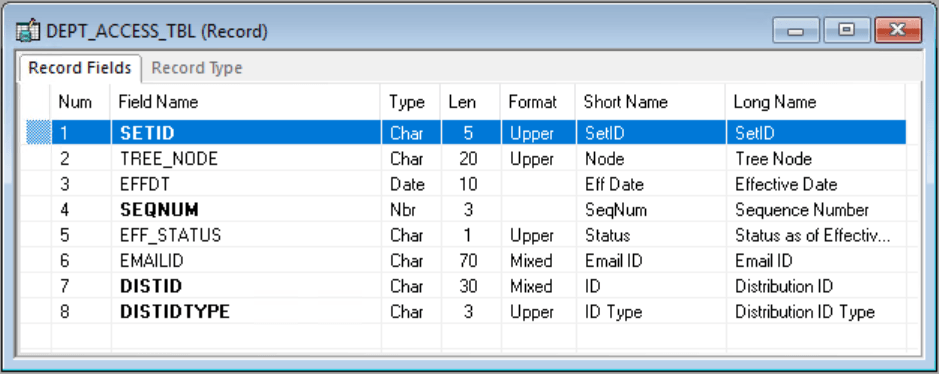
To add a setID:
-
Open the record definition for the table that you want to share.
-
Select
-
Enter the special field that PeopleTools provides for table sharing:
SETID is a 5-character field. Add it to the top of your record definition list, and define it as a required key, search and list item, with a prompt table edit against the PeopleTools SETID_TBL.