Reordering Pages in a Component
After you add pages to a component, you can change the order in which they appear in the component.
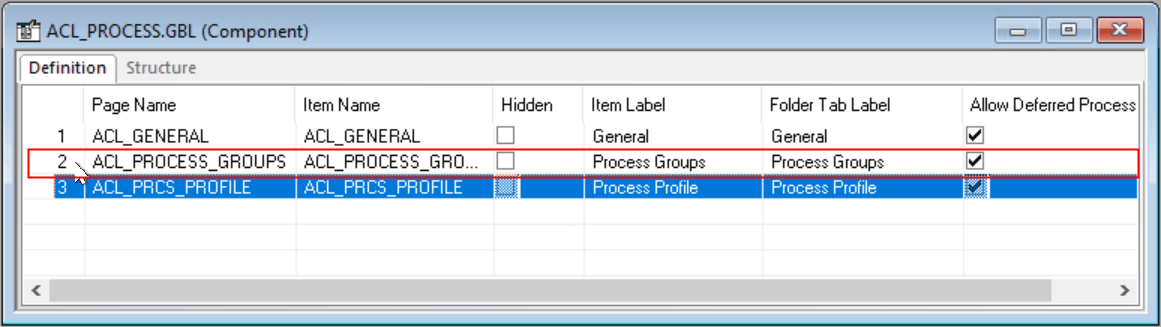
This example illustrates the fields and controls on the Moving a page in a component. You can find definitions for the fields and controls later on this page.
To reorder a page in a component:
-
Select a row number on the left-hand side of the component definition.
-
Drag the row to the correct position.
The page is inserted immediately below the highlighted line.