Validating Projects
Using the Validate Project option ensures the integrity of a project, checking that the definitions in a project are valid and present. While it is good practice to perform validation on a regular basis, it is especially important to do before and after migrating a project to other databases during development, upgrades, or updates. Results of the validation check appear in the Validate tab in the output window.
To validate a project:
-
Close all active component definitions in the definition workspace.
Otherwise, the validation occurs in the component, rather than the project.
-
Select
-
Select the Validate tab in the Options dialog box.
-
Select Validate project integrity.
-
Click OK.
-
Select
-
Review the results in the Validate tab in the output window.
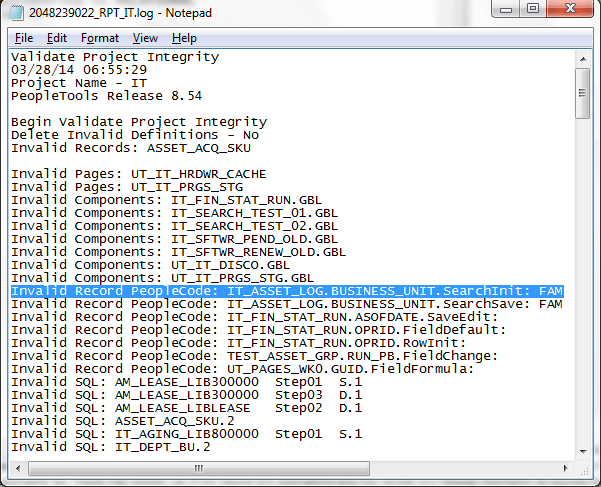
This example illustrates the results displayed in the log file generated by the validate project option.
Note:
For PeopleCode, if the associated definition has an owner ID specified, the system displays the owner ID at the end of the entry, as in :FAM.
Important:
WSRP is desupported in PeopleTools 8.61, and currently exists for backward compatibility only.