Collapsing and Expanding Scroll Areas
Some scroll areas are configured so that you can collapse them so that only the header shows. This capability is indicated by a triangle that appears at the right-most side inside the navigation header. Click the triangle to toggle between the expanded (visible) and collapsed (hidden) views.
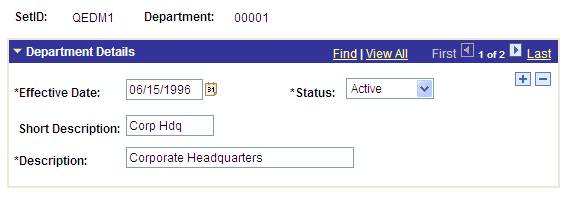
These examples show both the collapsed and expanded states of the Department Details scroll area:
This example illustrates the Department Details scroll area in the expanded state.
This example illustrates the Department Details scroll area in the collapsed state.

Note:
Application developers set whether the initial state of the grid is collapsed or expanded in Application Designer.
See Application Designer Developer’s Guide: Using Scroll Areas and Scroll Bars.