Collapsing Grids
You might also encounter grids that you can collapse or expand. Click the right-pointing triangle in front of the grid heading to expand a grid that is hidden from view (collapsed).
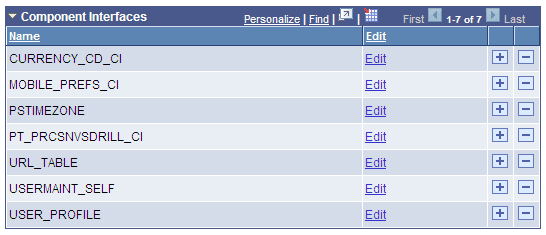
These examples show both the collapsed and expanded states of the Component Interfaces grid:
This image illustrates the Component Interfaces grid in the collapsed state.

This image illustrates the Component Interfaces grid in the expanded state.
Note:
Application developers set whether the initial state of the grid is collapsed or expanded in Application Designer.
See Application Designer Developer’s Guide: Using Scroll Areas and Scroll Bars.