Retrieving Historical Data
The presence of action mode fields on the search page indicate that the component uses PeopleSoft effective date logic.
This example shows the Include History and Correct History options on a search page.
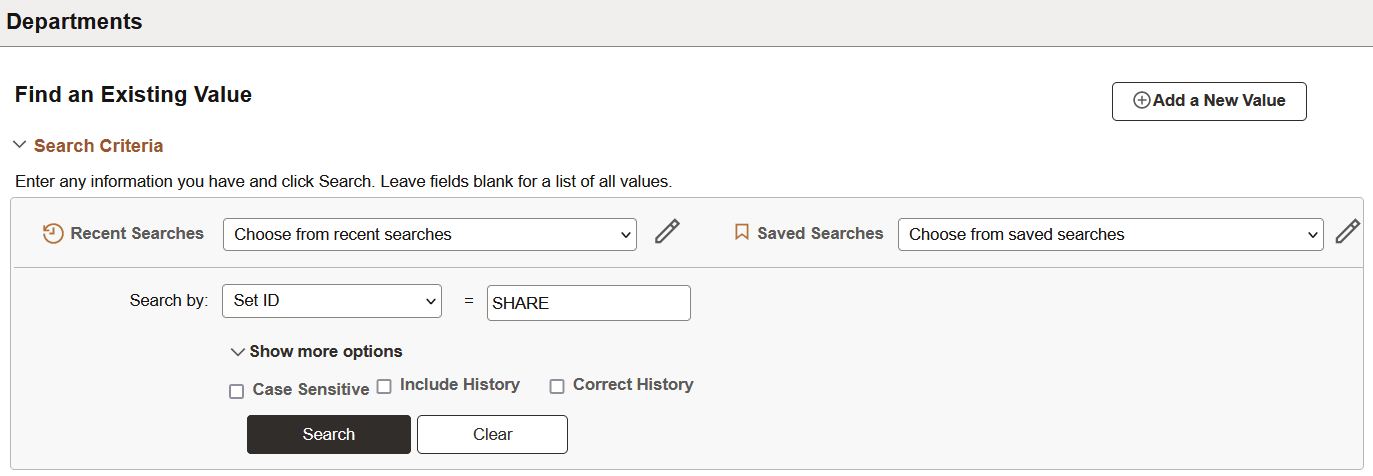
If you have the appropriate permissions for see and modify history records, then these two options can appear on a search page:
| Field or Control | Description |
|---|---|
|
Include History |
Select to retrieve history records when the system processes the search. |
|
Correct History |
Select to retrieve and be able to correct history records when the system processes the search. |
Detailed information about PeopleSoft effective date logic is available in the next topic in this documentation.