Specifying Report Parameters
You can run offline processes from pages in your PeopleSoft application in a variety of ways. The way in which you use the processes depends on the application. Access the page from which you want to run your process. For many reports, you need to enter values for parameters that specify what data the report includes, such as from and to dates or business units. The parameters page appears after you enter the run control ID.
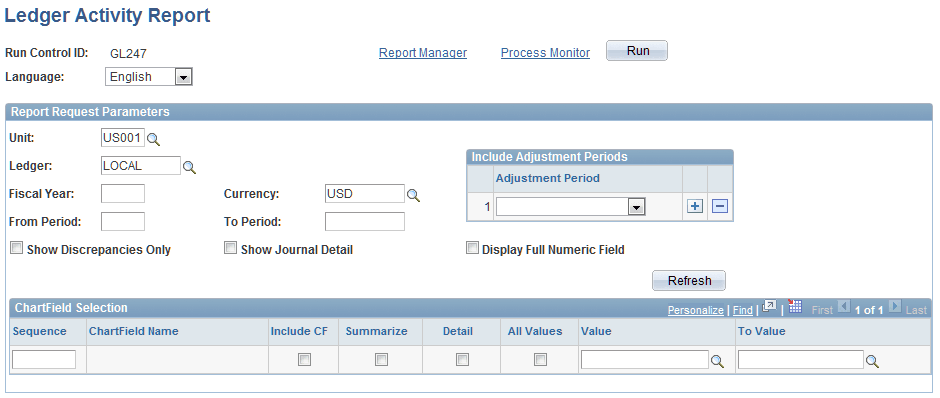
This example illustrates the fields and controls on the Ledger Activity Report page.
Note:
The pages you use to submit report parameters in your applications may appear differently.
If you selected an existing run control ID, the values in this page reflect the settings from the selected run control; if you added a new value or if you are using a PeopleSoft Human Capital Management application, they are the default values.
You can change any of these settings. However, keep in mind that your changes are saved to the run control when you save or run the report.
To run your report, click Run; the Process Scheduler Request page appears.