Searching Template Translations
Access the Template Translations Search page (Select .)
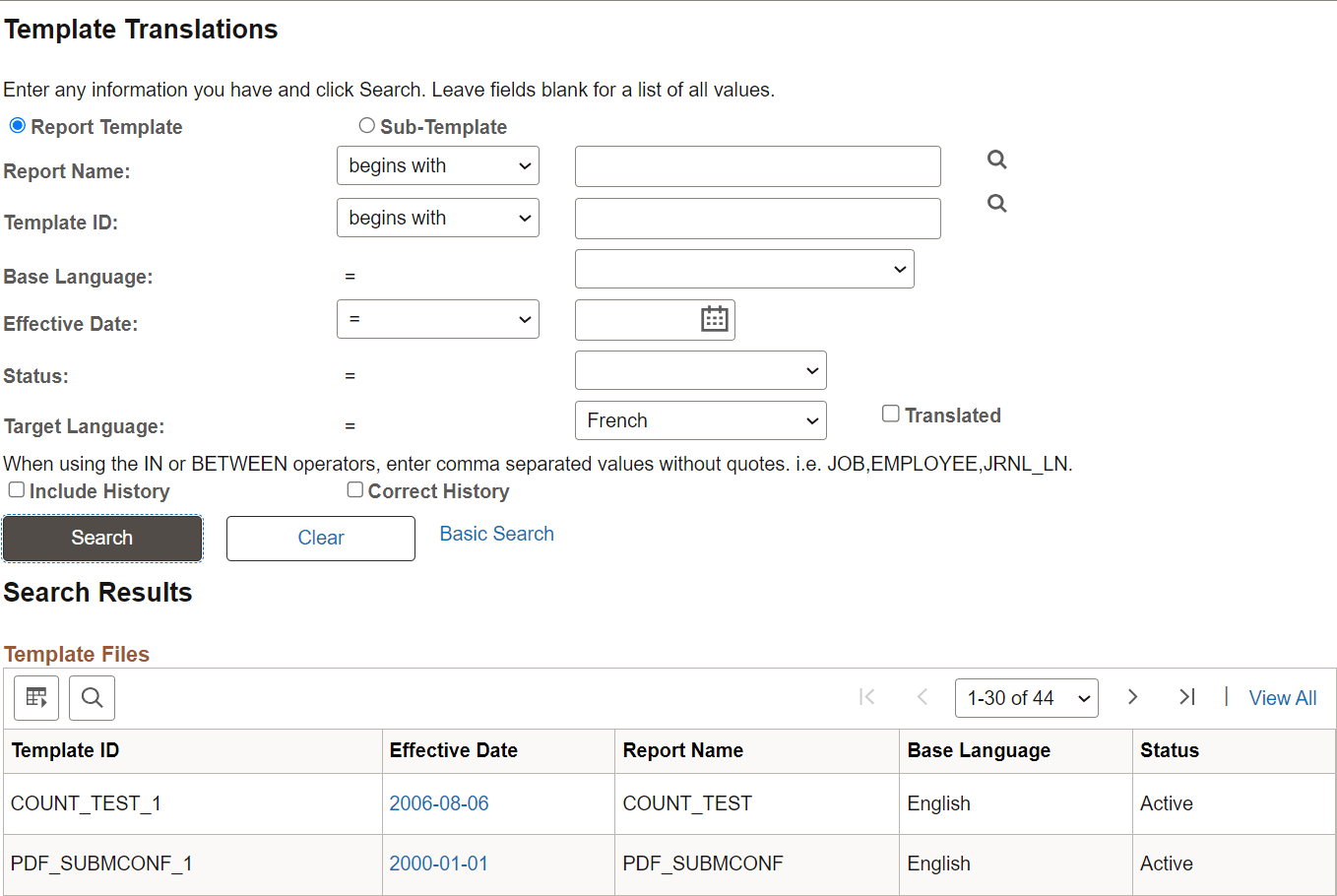
This example illustrates the fields and controls on the Template Translations search page.
To search for a template translation:
-
Select either the Report Template orSub-template option, depending on whether you want to search the Report Definition templates or the Content Library sub-templates.
The subsequent search prompts vary depending upon this choice. For example, the Report Name drop-down list box appears only ifReport Template is selected.
-
Select your search criteria and click the Search button.
The Translated check box appears only when you have selected a value in theTarget Language field. When selected, this check box enables you to search for templates that have already been translated into the selected target language. If this check box is cleared, you are searching for templates that have not yet been translated into the target language.
-
When your search results appear, select the effective date of the template for which you want to maintain translations.