Creating Translations Delta Package
After defining the translations delta package, return to Change Assistant to create the package.
To create the Change Package in Change Assistant:
-
Select Tools > Create Change Package.
-
Select the package name from the drop-down list box.
-
Click Finish.
This example illustrates the fields and controls on the Create a New Change Package page. You can find definitions for the fields and controls later on this page.
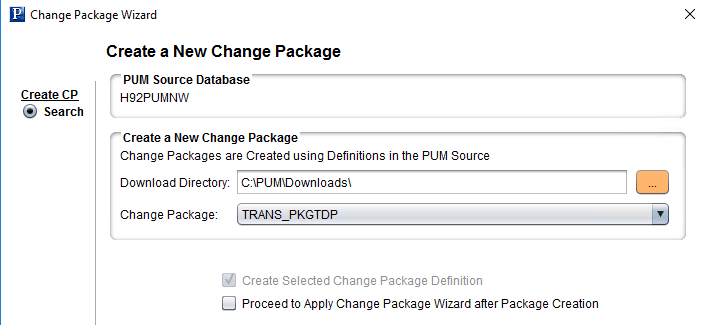
If you select the Proceed to Apply Change Package Wizard after Package Creation, Change Assistant will launch the wizard. See Applying Translations Delta Package