Run Customization Calculation
In order to manage and display the customization impact in the PUM Search UI, a customization calculation must be generated for each bug fix in the Image. The Run Customization Calculation page is used to run the calculation for the customizations identified in the Customization Repository.
Both the Manage Customizations page and the Manage Object Customization References have a button to Run Customization Calculation. You can also access this page by selecting the Run Customization Calculation from the left hand menu on the Customization Repository.
This example illustrates the fields and controls on the Run Customization Calculation page.
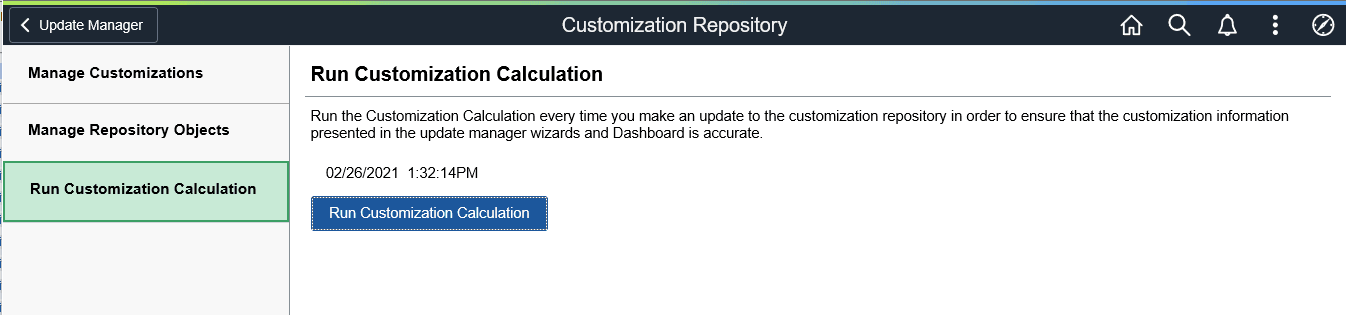
Click the Run Customization Calculation button to update the bug calculations.
Bug fixes containing customizations will be flagged in the Custom Impact column when you define a change package. The status is dependant on which option you selected on the Manage Customizations page. Included indicates you want to include the definition in the change package and Excluded indicates you want to exclude it.
Note:
If no data exists in the Customization Repository, then there is no customization impact and the Run Customization Calculation button will be grayed.