Running Test Coverage Report
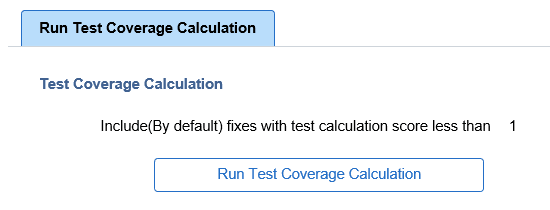
In order to manage and display the test impact in the PUM Search UI, a test coverage calculation must be generated for each bug fix in the Image. The Test Coverage Calculation page is used to run the calculation for the components identified in the Test Repository.
Navigation:
To access the Run Test Coverage page, select
This example illustrates the fields and controls on the Test Coverage Calculation page.