Setting Credentials
Automation requires the proper credentials. MOS credentials are necessary to download the PRPs from My Oracle Support (MOS) and must be entered by the customer. The Image and REST services credentials are auto-updated during DPK installation, these credentials can be added or modified as necessary. The REST credentials will be used by the Download Manager to communicate the status of PRPs downloads.
Note that PAU uses OAuth 2.0 for authentication.
Note:
PAU needs access to https://updates.oracle.com to download DPKs and PRPs.
Note:
When using VirtualBox to install a PUM environment, a proxy configuration is required for the downloads depending on the customer network settings and the VirtualBox network configuration.
Use the Settings page to review and enter credentials.
This example illustrates the fields and controls on the Settings page for MOS Credentials. You can find definitions for the fields and controls later on this page.
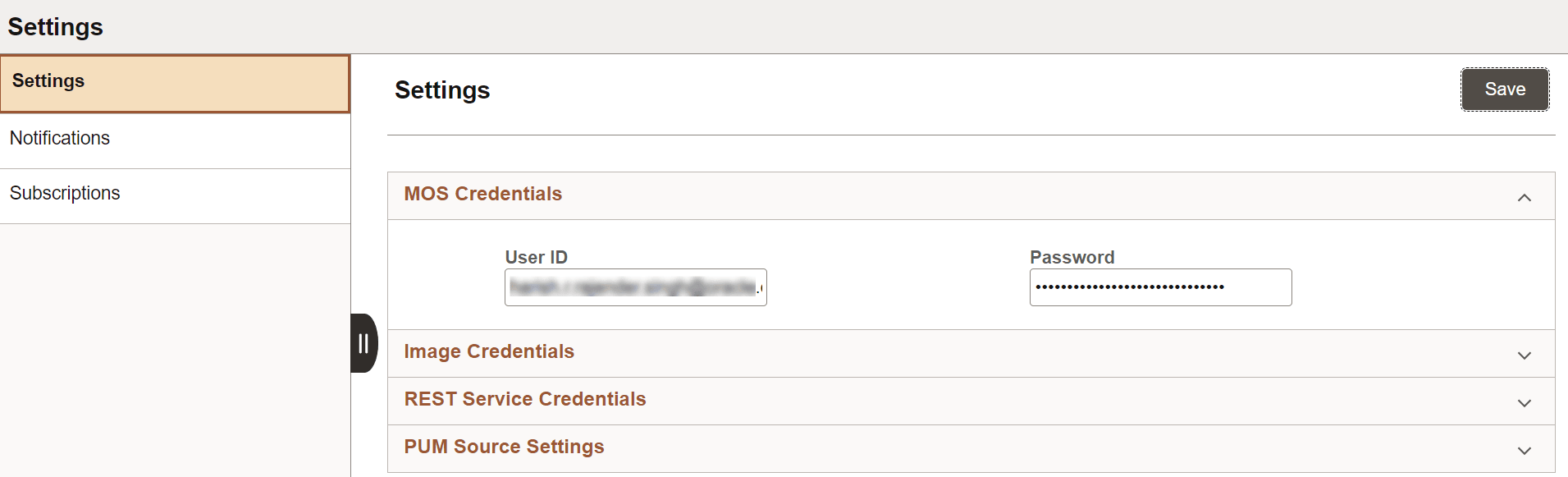
These MOS credentials are used to connect to MOS, while downloading PRPs from MOS. When the page is saved, the system will validate connectivity to MOS using the credentials, encrypt the credentials and save to the database.
| Field or Control | Description |
|---|---|
|
User ID |
Enter the user ID for your My Oracle Support account. |
|
Password |
Enter the password for your My Oracle Support account. |
This example illustrates the fields and controls on the Image Credentials section. You can find definitions for the fields and controls later on this page.
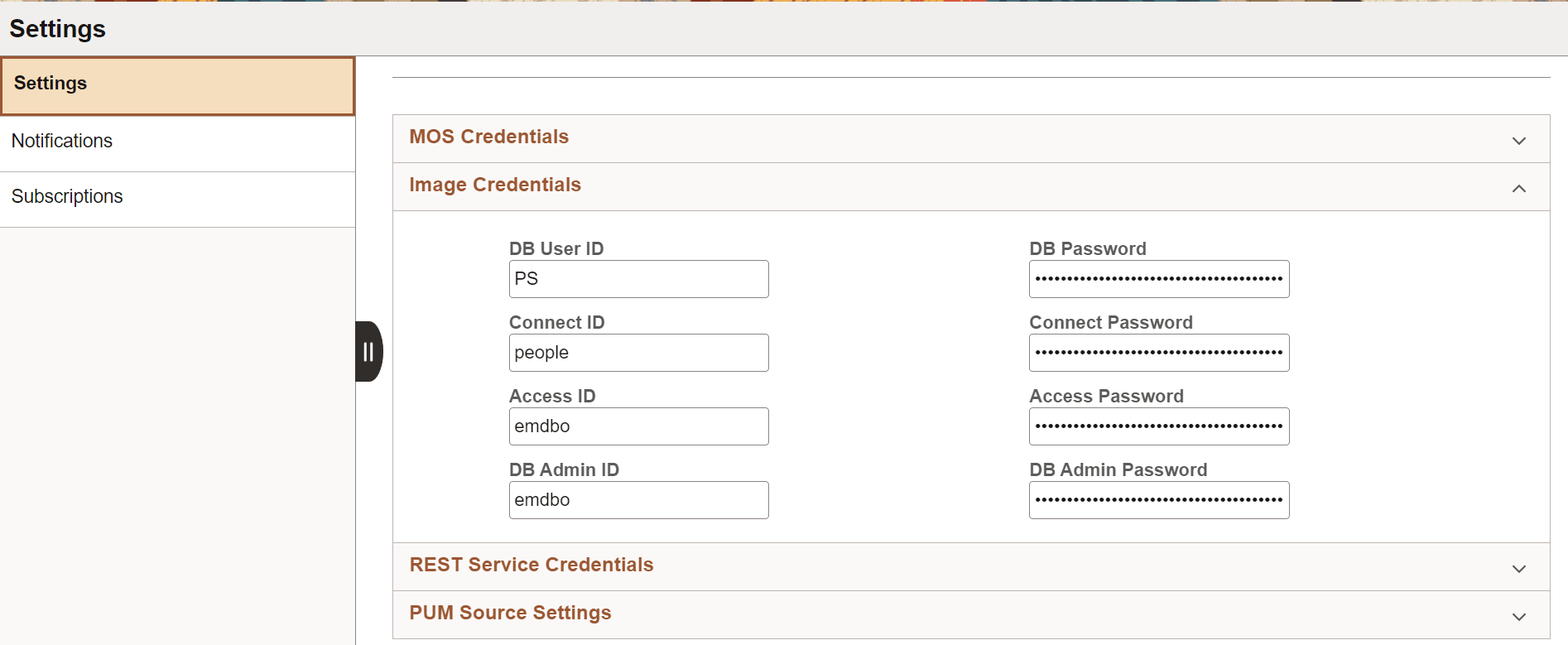
Initially these credentials are provided from the DPK when the PUM environment is deployed, then through the Automated Configuration Manager (ACM).
These credentials need to be updated if they are changed in the PUM source. All credentials are encrypted before storing in the database.
| Field or Control | Description |
|---|---|
|
DB User ID |
Database User ID. |
|
DB Password |
Database password. |
|
Connect ID |
Connect Id for the database. |
|
Connect Password |
Connect ID password. |
|
Access ID |
Access Id for the database. |
|
Access Password |
Access ID password |
|
DB Admin ID |
Database Administrator ID. |
|
DB Admin Password |
Database Administrator ID password. |
This example illustrates the fields and controls on the REST Service Credentials. You can find definitions for the fields and controls later on this page.
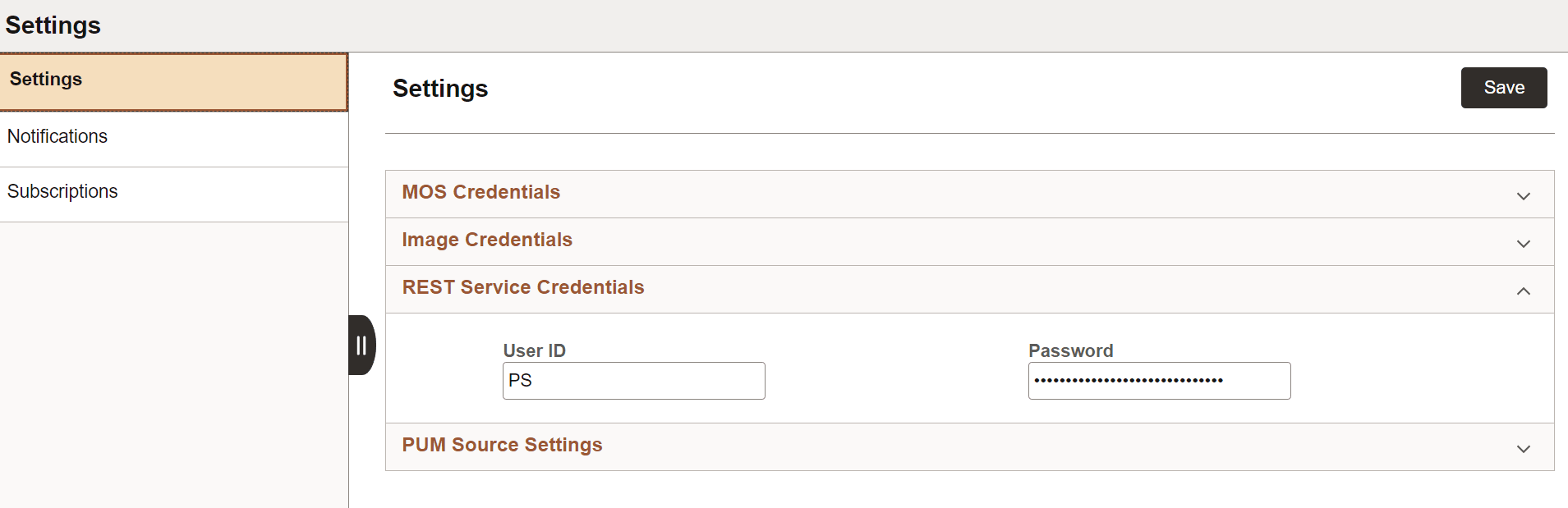
Initially these credentials are provided from the DPK when the PUM environment is deployed, then through the Automated Configuration Manager (ACM).
These credentials need to be updated if the REST Service credentials are changed in the PUM source.
REST Services are used by the Download Manager that downloads PRPs to communicate status of downloads. The user ID must have permission list PTPT4300.
This example illustrates the fields and controls on the PUM Source Settings. You can find definitions for the fields and controls later on this page.
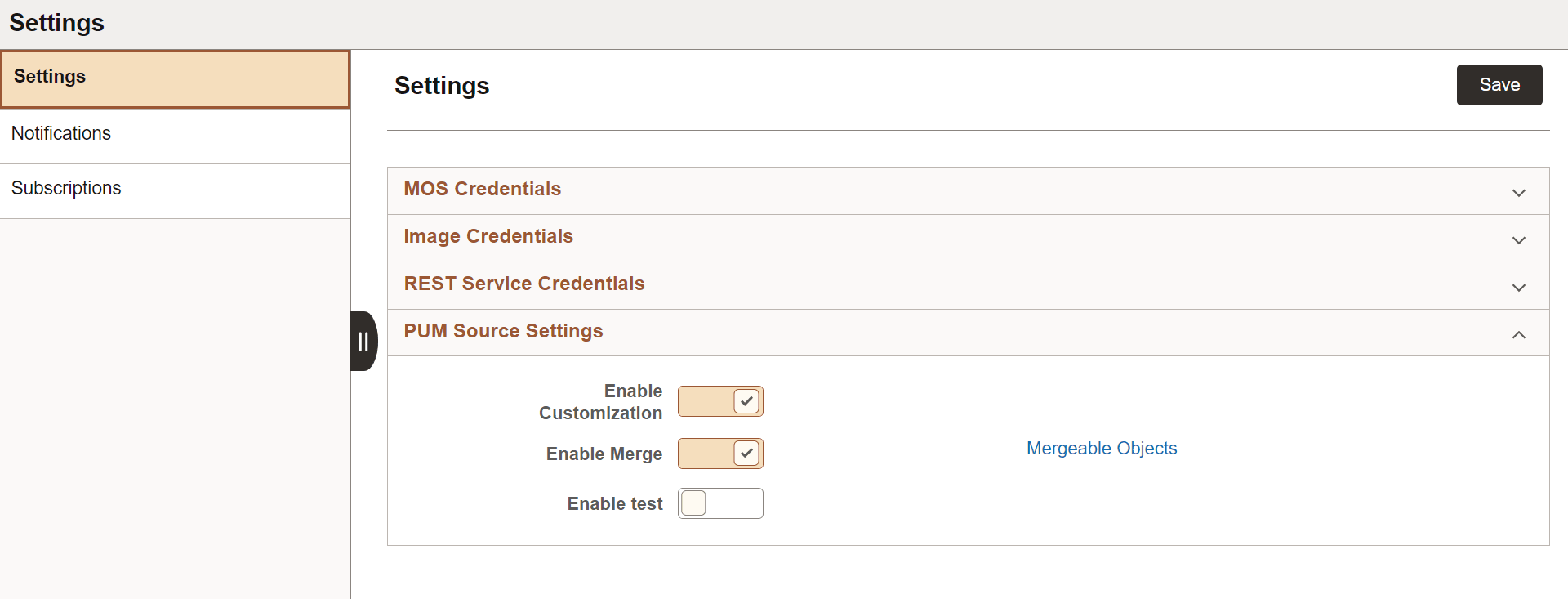
Use the PUM Source Settings to enable the upload of customization projects and enable object merge.
| Field or Control | Description |
|---|---|
|
Enable Customization |
Enables the upload of customizations to the PUM Source. Note that you can set up customization repository from Change Assistant as well. |
|
Enable Merge |
Enables object merge for PeopleCode, SQL and XSLT objects in your Customization Repository. When object merge is enabled in the PUM source, the upload Customization fetches the object merge data in the Customization project (Peoplecode, SQL and XSLT) and schedules version update Application Engine to set the appropriate object version to the mergable objects uploaded. Note that you can enable object merge from Change Assistant as well. |
|
Enable test |
Enables the upload to test repository. |
|
Mergeable Objects |
Shows a list of mergeable objects. |