Validating Change Assistant EMF Settings
After you have set up and configured Change Assistant and the Environment Management components, you should validate your Change Assistant and environment settings. To validate your environment:
-
Select the Validate Settings radio button.
-
Click Finish.
-
Click Start Validation.
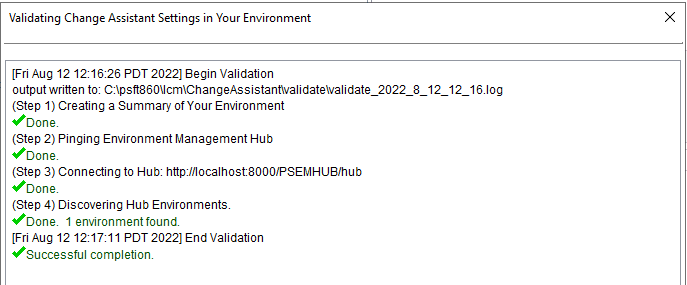
When the validation is complete, a completion message appears. To view the log, click the View Log button. The log will contain information about any steps that were not successful.
This example illustrates the fields and controls on the Validating Change Assistant Settings in Your Environment dialog box