Viewing Job History
Select the History action from the Manage Jobs page to view the job history.
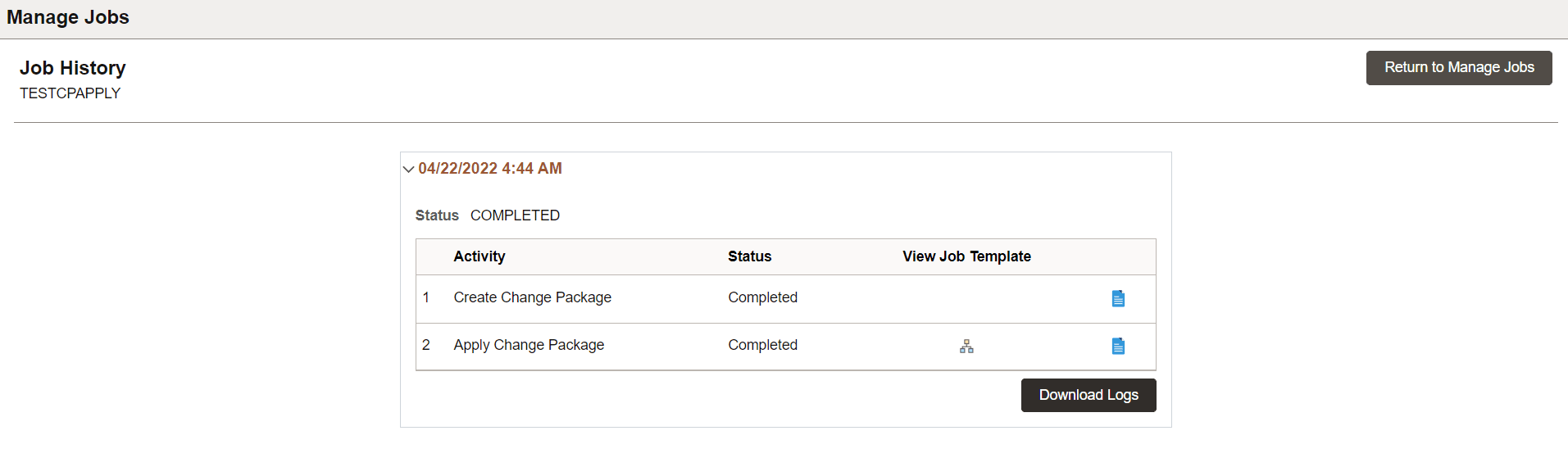
This example illustrates the fields and controls on the Job History page. You can find definitions for the fields and controls later on this page.
| Field or Control | Description |
|---|---|
|
Status |
There are two status fields. Job level status- Displays the current status of the job. The status can be COMPLETED only when the all the activities within the job has a COMPLETED status. Activity level status- Displays the status of an activity in the job. |
|
|
Select to view the job template detail. This template appears only for Apply Change Package and Apply PRP tasks. |
|
|
Select to view the job log for the activity. |
|
Download Logs |
Select to download the logs. |

