Find In Result Table Page
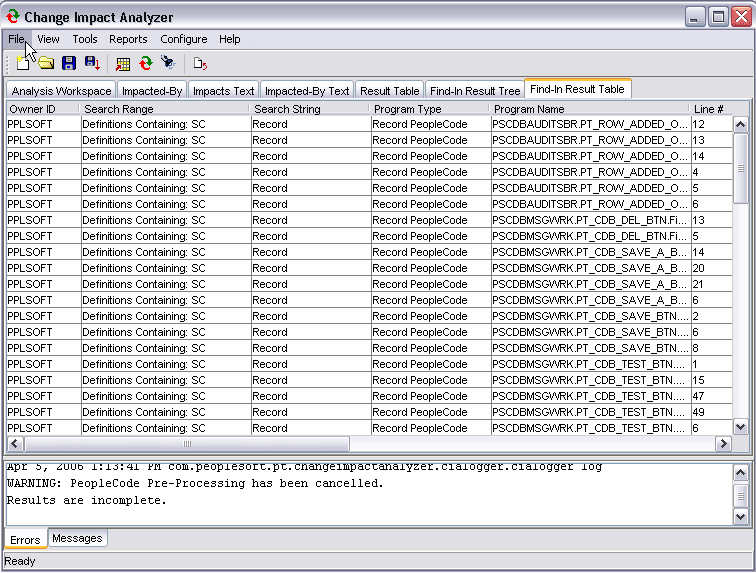
Select the Find In Result Table to display the output in a table format.
The find in result table is available only after a find in search has been executed.
This example illustrates the fields and controls on the Find In Result Table page.
Note:
If Windows User Access
Control (UAC) is ON, UAC might prevent saving the findinresults.xml file to the default root directory, for example,C:\. You may need
to set UAC to OFF or save thefindinresults.xml file needs to be saved to a location that accessible to the user.