Enabling and Disabling Standard Methods
You can control whether standard methods are accessible at runtime.
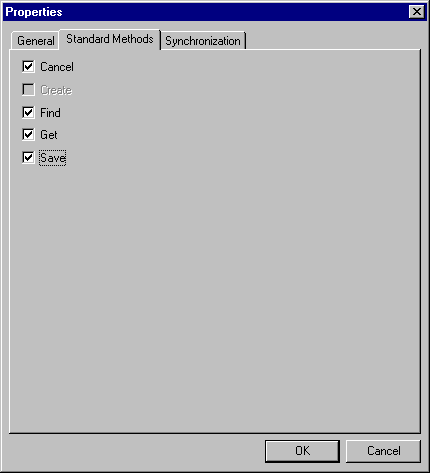
Use the Properties – Standard Methods tab to enable or disable standard methods.
To enable or disable standard methods:
-
Select from the PeopleSoft Application Designer menu.
The Definition Properties dialog box appears.
-
Select the Standard Methods tab.
You can enable or disable any of the standard methods selecting the corresponding check box. Doing so determines whether the method is available at runtime when the component interface is accessed. The Create option is available only if the component interface has Create keys.