Providing Additional Information For Diagnostic Plug-ins
Access the Additional Information page (click the Generate Diagnostics button on the Launch Diagnostics page).
One or more of the diagnostic plug-ins you selected might have been designed to prompt you dynamically for relevant parameters. The Additional Information page enables you to enter the required parameters.
This example illustrates the fields and controls on the Additional Information page for the System Base Language Check plug-in.
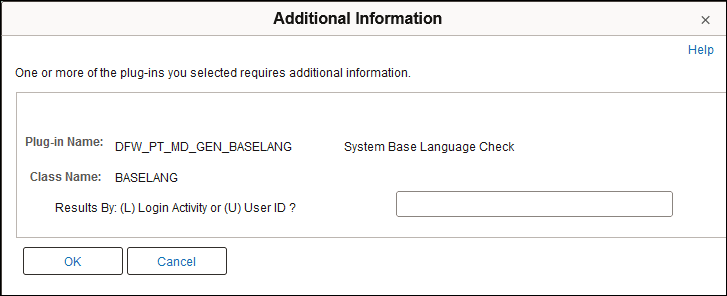
The fields that appear on this page depend on the diagnostic plug-ins that you specified on the Launch Diagnostics page. The Additional Information page includes a section for each plug-in that requires information. Each section can contain fields that are specific to individual classes, or fields that apply globally for the plug-in. For the diagnostic plug-ins delivered with your PeopleSoft application, your application documentation explains what values are required for each field.