Copying Documents
Use the Documents Builder copy feature to copy and save a document using a different name. When you click the Copy button from the Documents Builder - Document tab, the following Copy Document As page (IB_LOGICALCOPY) appears:
Use the Copy Document As page to make a copy of a document.
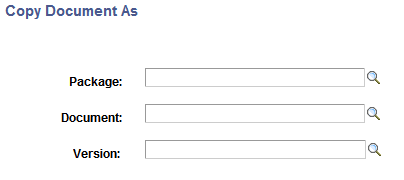
When you copy a document, one of the following parameters you use for the new document must be different than the original: Package, Document, or Version.
To copy a document:
-
Access the Document Builder ().
-
Locate and open the document definition to copy.
The document appears in the Document Builder.
-
At the bottom of the Document Builder page, click the Copy button.
The Copy Document As page appears.
-
In the Package field, enter the package name or click the Lookup button to search for one.
-
In the Document field, enter the document name or click the Lookup button to search for one.
-
In the Version field, enter the version number or click the Lookup button to search for one.
-
Click the OK button.
The new copied version of the document appears in the Document Builder.