Viewing Document Details
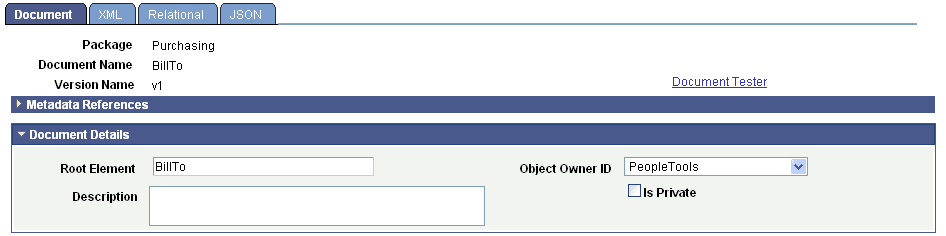
The Document Builder-Documents page features a Document Details section that provides information about the document, such as a document label, owner ID, free - form comments, and whether the document is designated as a private document.
The section appears collapsed by default. To expand and view the section, click the arrow icon next to the Document Details section label. To collapse the section, click the arrow again.
The following example shows the Document Details section for the BillTo document.