Viewing Document Dependencies
If a document is a child of another document in the system, then it appears in the Document Dependencies grid on the Document Builder - Document page. The Document Dependencies grid appears on the right side of the page when you click the root element in the document tree.
The following example shows document dependencies for the BillTo document
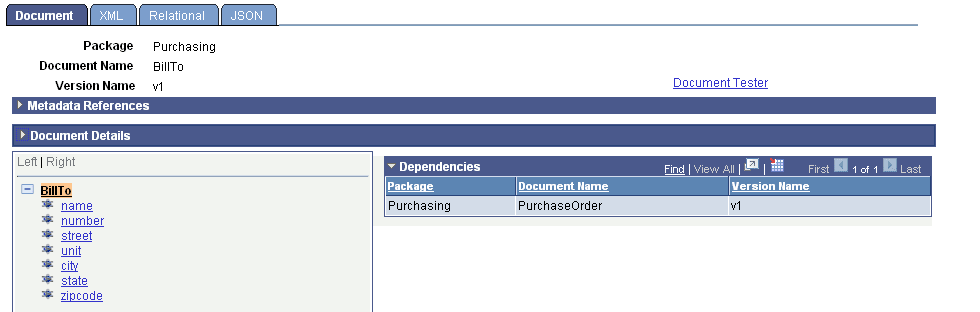
The previous example shows that the BillTo document is a child document in the PurchaseOrder document.
Unless write-restricted, any changes you make to a document will impact any parent documents.