Viewing Element Properties
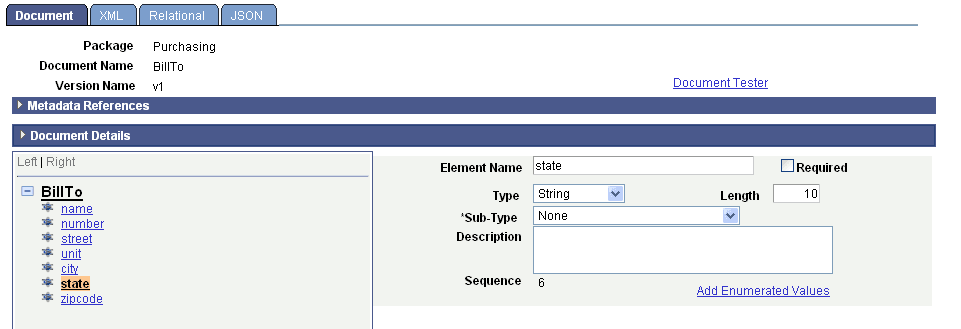
When you click any element in the document tree other than the root element, properties for the element appear on the right side of the page.
The following example shows the element properties for the state element of the BillTo document:
The element properties that appear depend on the element type.
Element properties are discussed in detail elsewhere in the product documentation.