Viewing XML Schema Properties for Elements
The Document Builder - XML page also displays property information about elements. When you select an element in the document tree, properties for the element appear on the right side of the page.
The following example shows the Document Builder – XML page. The name element is selected in the document tree, and the XML schema properties defined for it appear on the right side of the page:
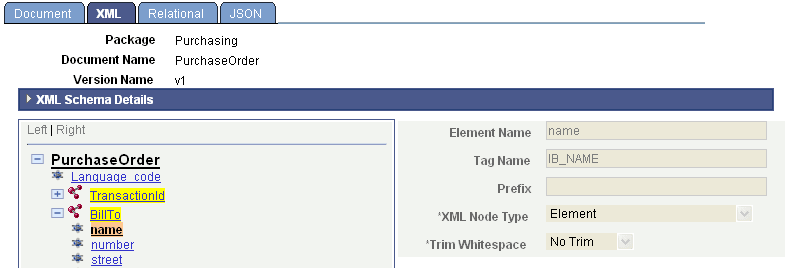
The schema properties for the name element are read-only. They are read-only because the BillTo element is actually a document itself. To make any changes to it, you would access the BillTo document and make the appropriate changes.