Defining Locale-Specific Formatting
Access the Locale Defaults page ().
This example illustrates the fields and controls on the Local Defaults page.
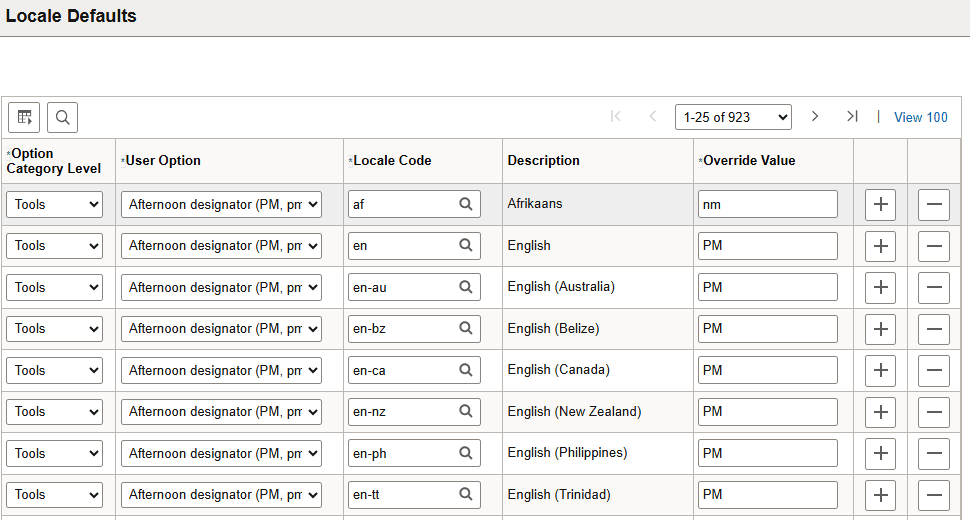
Use this page to assign default values for personalization options based on locale code.
To more easily view defaults for a particular locale, click the Locale Code column heading to sort the data on this page by the locale code.
Note:
For some international locales, a space character is used as a digit group separator (for example, thousands). However, the PeopleSoft Pure Internet Architecture interprets a single space in a field as a null value. To use the space character as a digit group separator, define the override value as a space between single quotation marks. This personalization can be defined at the system-wide, locale-default, or individual user level. This special treatment of the space character currently only takes effect for the digit group separator user option.