Defining Locales for Locale-Specific Formatting
Access the Locale Definition page ().
This example illustrates the fields and controls on the Locale Definition page.
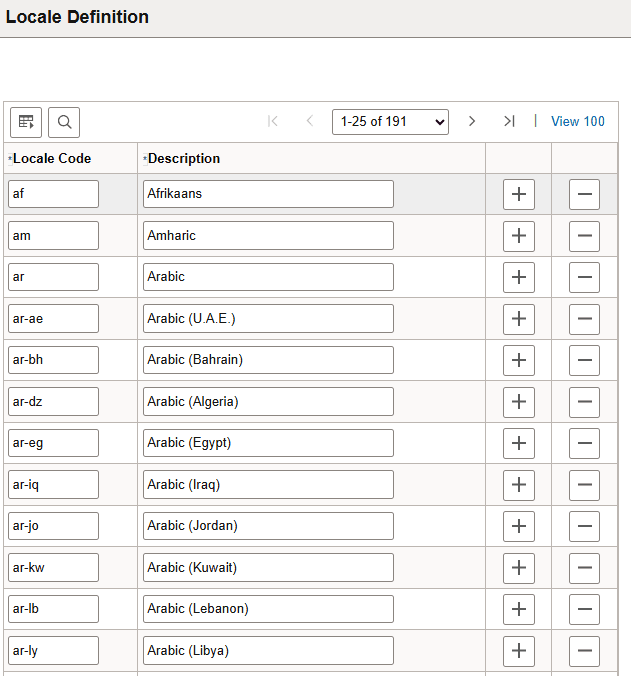
Use this page to add locales that can have defaults specified on the Locale Defaults page. These locales are different from PeopleSoft language codes; they typically contain both language and country information. When formatting data fields, both these elements are typically needed, given that many languages are spoken in different countries, with each country often following different formatting conventions. Having only information on the user’s language is not sufficient to determine a default level of locale-sensitive data formatting.
For example, English is spoken in several countries that differ on date formatting. In the U.S., dates are typically formatted with the month first, whereas in the United Kingdom, they are typically formatted with the day first.
The session language code cannot be used to determine the specific locale for a session, due to its lack of country information. Instead, the browser’s language preference list is read, and the top (the most preferred) locale in that list is used to look up locale-specific formats in the Personalizations Locale Definitions page. Therefore, you should ensure that each browser locale used by your system’s users appears in the Locale Definition page.