Setting Display Preferences
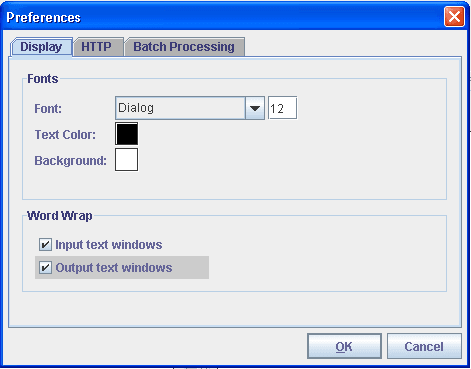
You can set these display preferences for Send Master:
-
Display font, size, and color.
-
Background color.
-
Word-wrapping options.
To set display preferences, use the Display tab of the Preferences dialog box. To access this box, select and click the Display tab.
This example illustrates the fields and controls on the Preferences – Display tab.