Adding Integration Groups
To add an integration group to the system, use the Integration Group search page. To access the page select
This example shows the Integration Groups – Add a New Value tab.
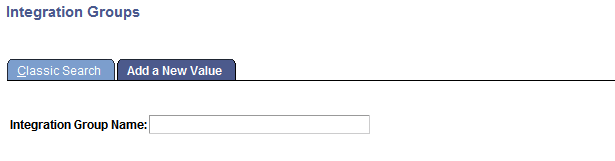
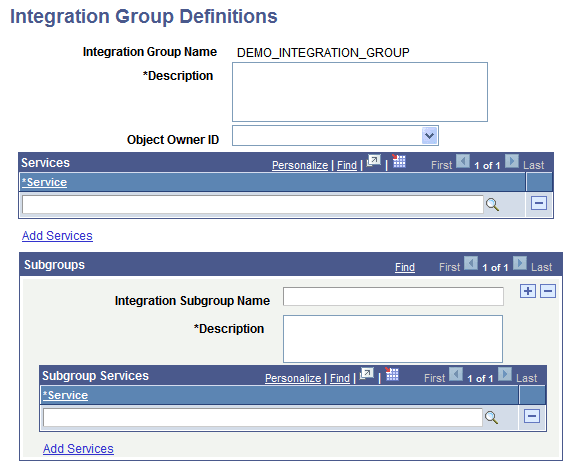
After you name the integration group, the Integration Group Definitions page (IB_INTGROUPDEFN) appears where you can add an optional description for the group and save the definition.
This example illustrates the Integration Group Definitions page.
To add a service integration group:
-
Select
The Integration Group search page appears.
-
Click the Add a New Value tab.
-
In the Integration Group Name field, enter a name for the integration group.
-
Click the Add button.
The Integration Group Definitions page appears.
-
In the Description field, add a description for the group.
-
(Optional.) From the Object Owner ID field, select the owner of the object.
-
Click the Save button.
After you have added the definition to the system you can proceed to add services to the integration group, as well as create integration subgroups and add services to them.
The process for adding services to integration groups and to integration subgroups is identical and is described elsewhere in this section.