Adding Message Schemas to Nonrowset-Based Messages
To add the schema for the nonrowset-based message:
-
Select .
-
Select the nonrowset-based definition to which you want to add the schema.
-
Click the Schema tab.
-
Click the Add Schema button.
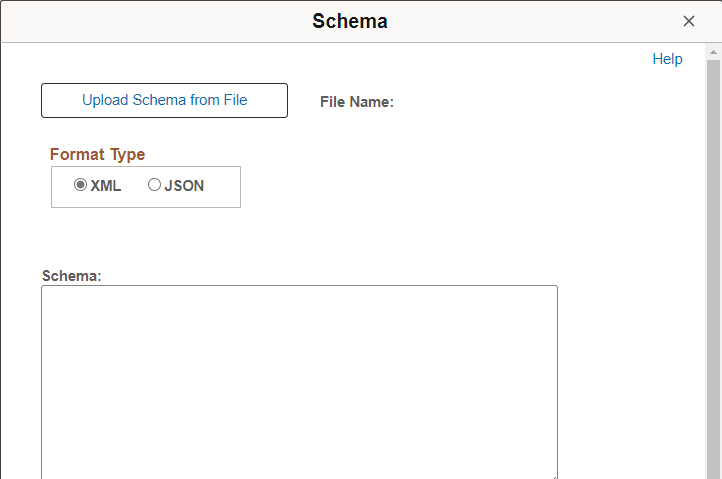
This example illustrates the Schema page for a nonrowset message definition.
-
Select the format type, either XML or JSON.
-
You can add the schema to the message in two ways:
-
Click the Upload Schema From File button to browse for and upload a schema that you have already saved to a file.
-
Enter the XML or JSON schema in the Schema text box that is provided.
-
-
Click the Save button.
If you define the message as a message part, you must supply a schema to save the message. All message parts require a schema at save time.