Editing Nonrowset-Based Schemas
After the message schema is added to a nonrowset-based message, you can edit the schema using the Schema page.
Note:
You cannot regenerate message schemas for messages that are defined as part of a restricted service.
To edit nonrowset-based message schemas:
-
Select .
-
Select the nonrowset-based definition that contains the schema that you want to edit.
-
Click the Schema tab.
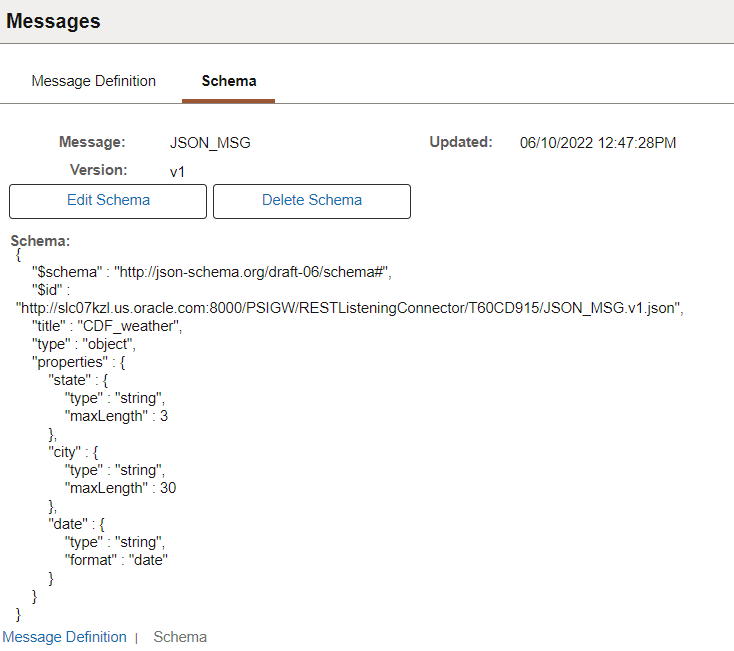
This example illustrates the Schema page for a JSON message.
-
Click the Edit Schema button.
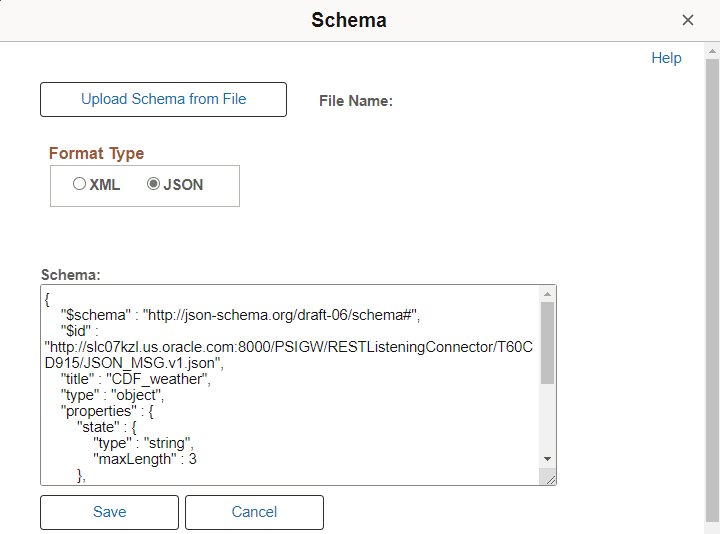
This example illustrates the Schema page open for editing.
-
In the Schema text box, make your changes and additions to the schema.
-
Click the Save button.