Exporting Application Services
The Application Service must be exported to create the REST API web service. Exporting the Application Service will create an Open API document describing the Service. Only the root resources with a status of active are exposed and exported.
If the Primary Application Service has an Alias then the root resources that are exported are based on the Alias status. All active Alias root resources as well as any active Primary root resources that are not defined on an associated Alias.
Select .
This example illustrates the fields and controls on the Export Open API page. You can find definitions for the fields and controls later on this page.
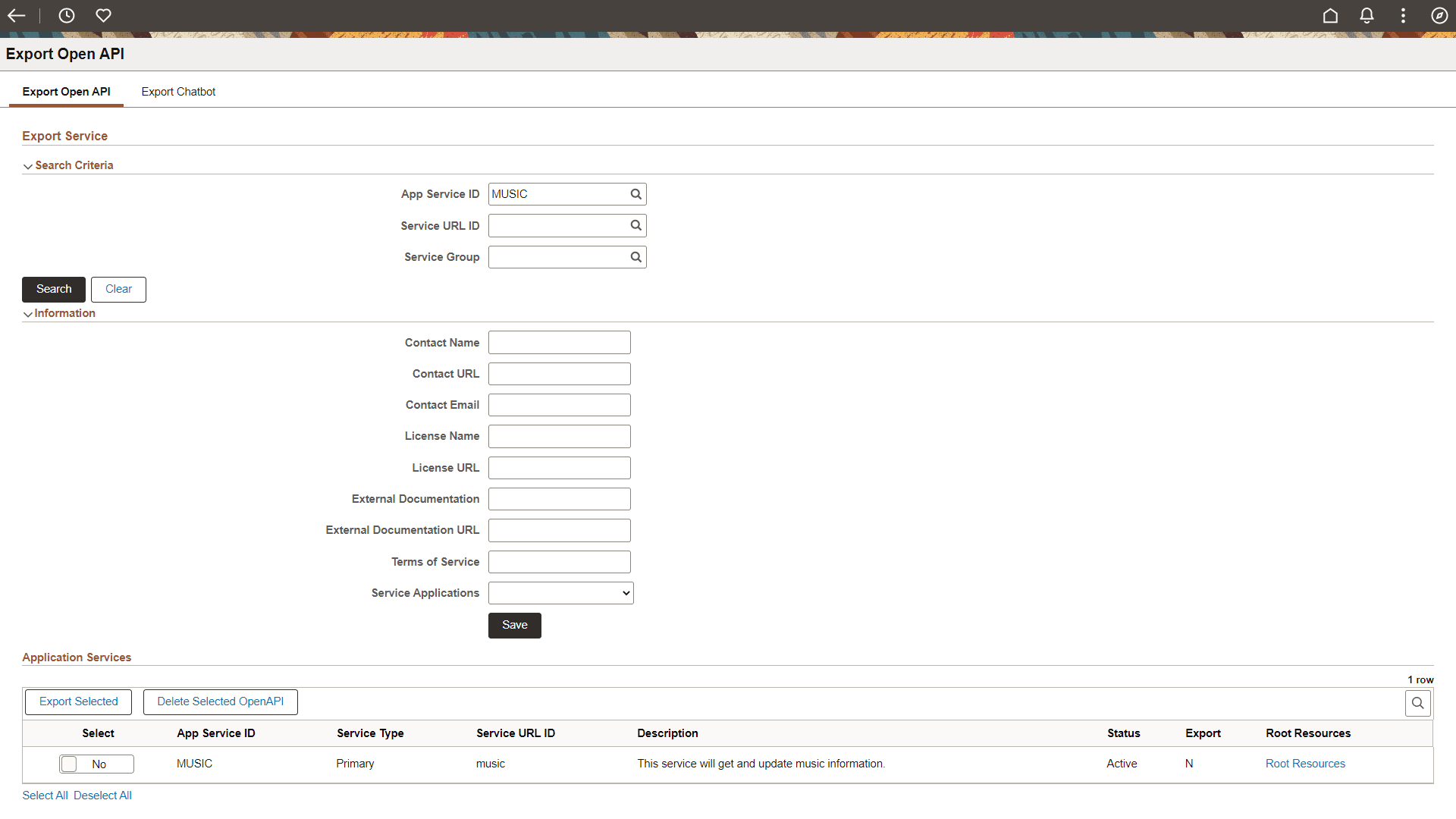
Search Criteria
Use the Search Criteria section to search based on Application Service ID, Service URL ID and Server Group. Search results will only include active Primary Application Services. If the Primary Application Service is inactive and the Alias is active, then Alias displayed.
Information
Use the Information section to optionally add fields that will be used as part of the Open API to describe the Application Service.
| Field or Control | Description |
|---|---|
|
Contact Name |
The identifying name of the contact person or organization. |
|
Contact URL |
The URL pointing to the contact information. Must be in the format of a URL. |
|
Contact Email |
The email address of the contact person/organization. Must be in the format of an email address. |
|
License Name |
The license information for the exposed API. |
|
License URL |
A URL to the license used for the API. Must be in the format of a URL. |
|
External Documentation |
A short description of the target documentation. |
|
External Documentation URL |
The URL for the target documentation. Must be in the format of a URL. |
|
Terms of Service |
A URL to the Terms of Service for the API. Must be in the format of a URL. |
|
Authorization URL |
The authorization URL to be used for this flow (for oAuth2). |
Application Services Search Results
The results of the search will show Application Services with their Export status. The administrator can select one or more Application Service to Export or Delete (if already exported).
| Field or Control | Description |
|---|---|
|
Export Selected |
Select this button to create the OpenAPI for the selected Application Services. |
|
Delete Selected OpenAPI |
Select this button to delete the Open API for the selected Application Services. |
|
Select |
Select Yes for the Application Service to either export or delete OpenAPI. |
|
Root Resource |
Click the link to view the root resources. The Root Resource page will show the root resources to be exported. For a Primary Application Service both primary and alias resources are displayed. For Alias Application Services, only alias root resources are displayed. |
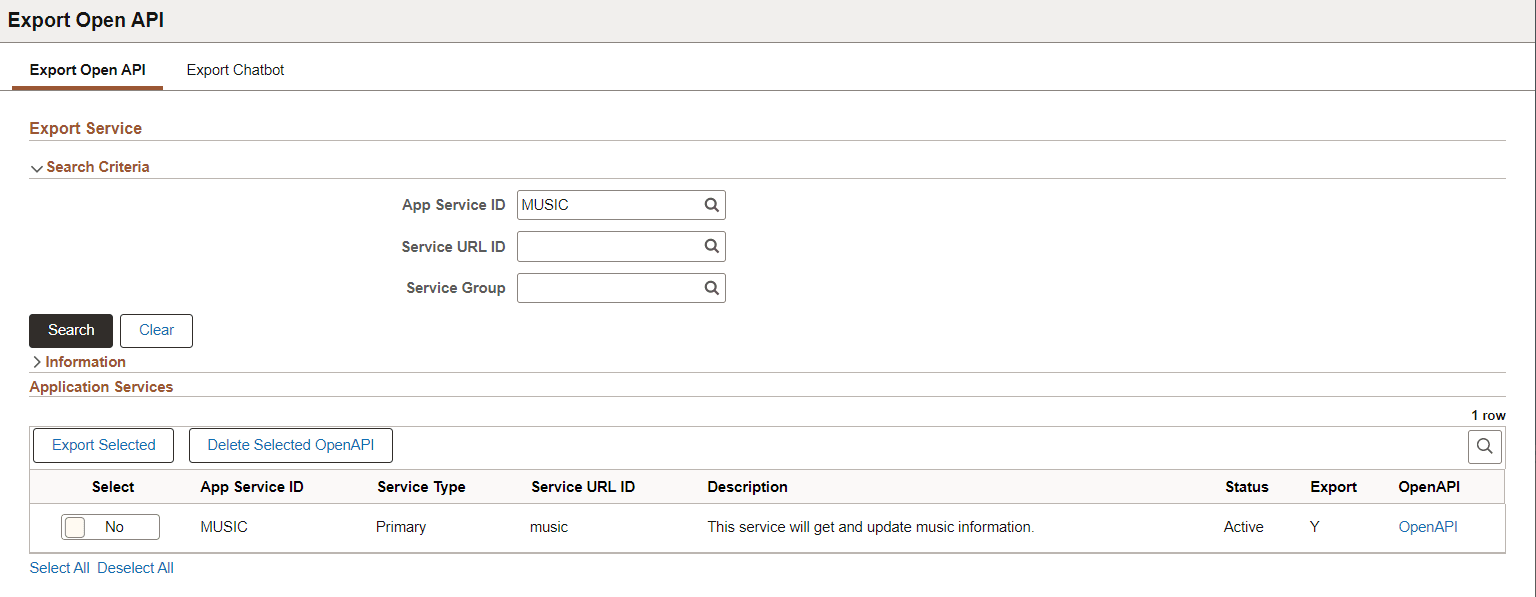
This example illustrates the fields and controls on the Example Exported Application Service. You can find definitions for the fields and controls later on this page
| Field or Control | Description |
|---|---|
|
Exported |
Export Status is Y. |
|
OpenAPI |
For Exported Services a View OpenAPI link will be displayed. When Selected the OpenAPI document will be displayed in JSON format. |
Example Open API
Select the Open API link to view the generated Open API.
This example illustrates an Open API.
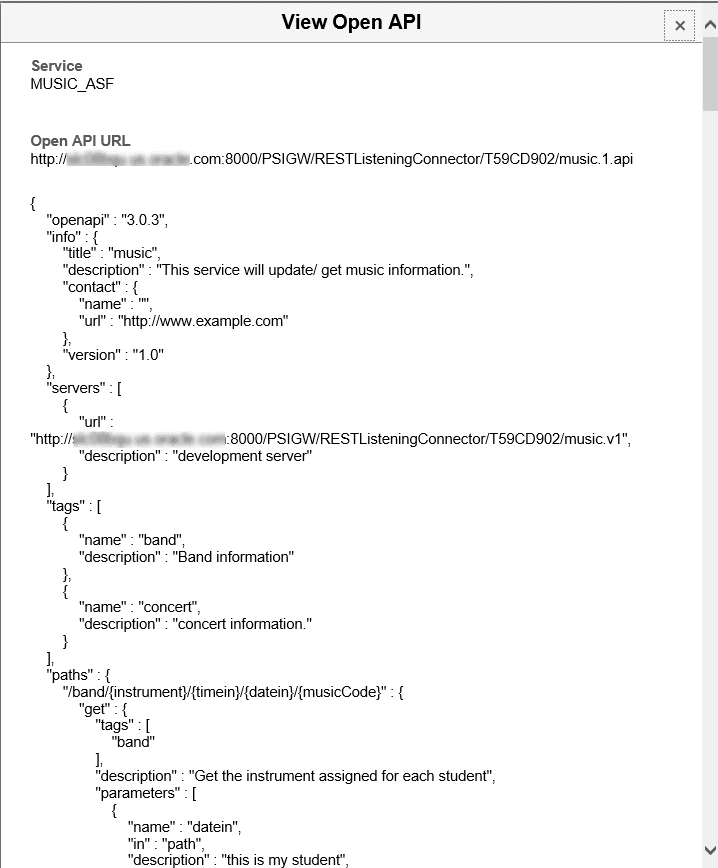
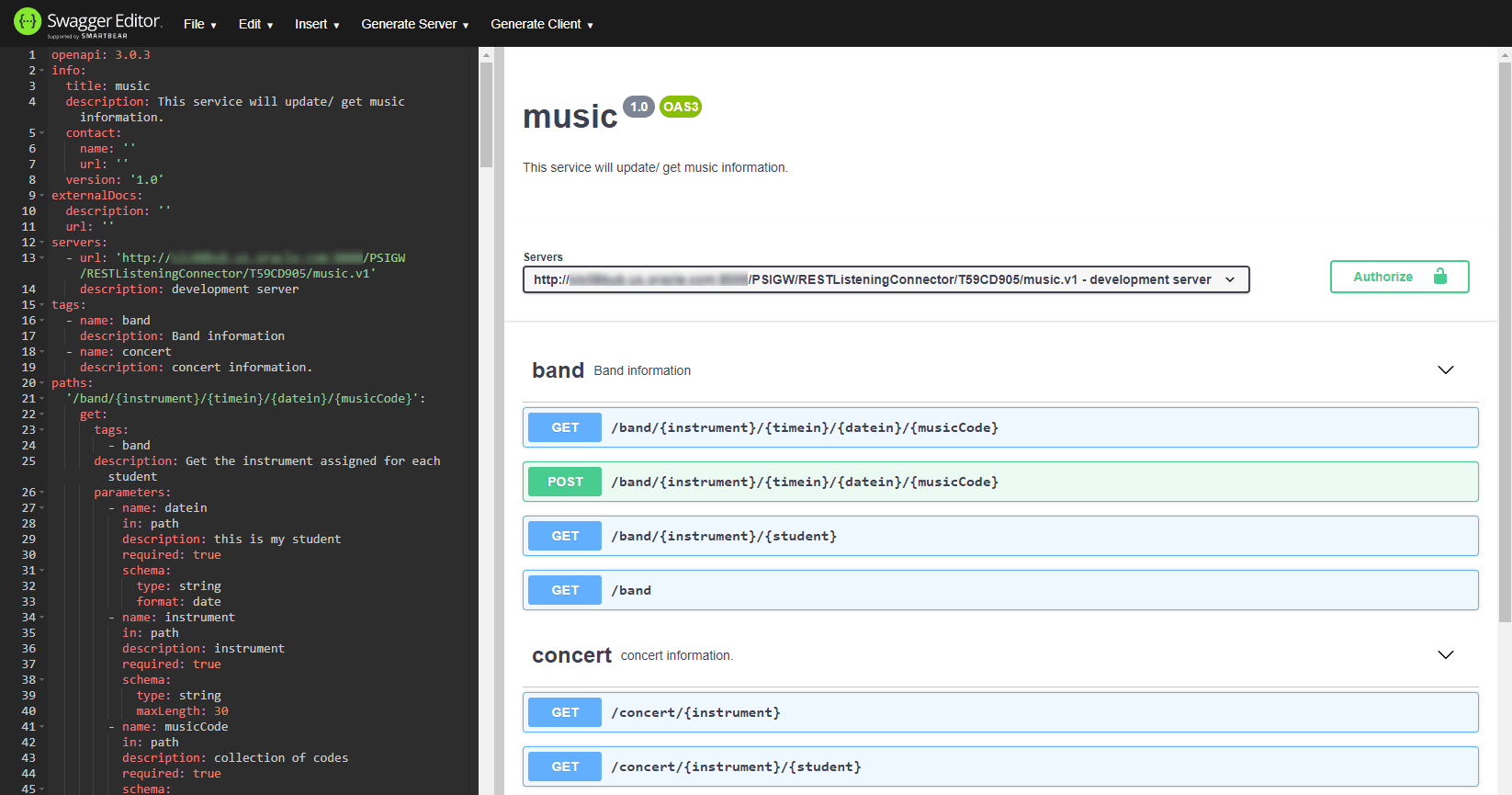
The JSON can be copied (or use the Open API URL displayed on the top of the page) and loaded into any OpenAPI Editor to view the document in human readable form.
This example of an OpenAPI in Swagger Editor.
Discovering REST API
The PeopleSoft delivered service operation PTIB_SERVICELIST_GET is used to list all exported services accessible to a 3rd party. The administrator can add the appropriate level of security on the service operation (SSL, Basic Auth, oAuth2, None) .
Here is an example of the URL that the 3rd party would invoke:
http://<base REST target location>/PSIGW/RESTListeningConnector/T59KAC14/servicelist.v1/discoveryThis example illustrates an example service list discovery.
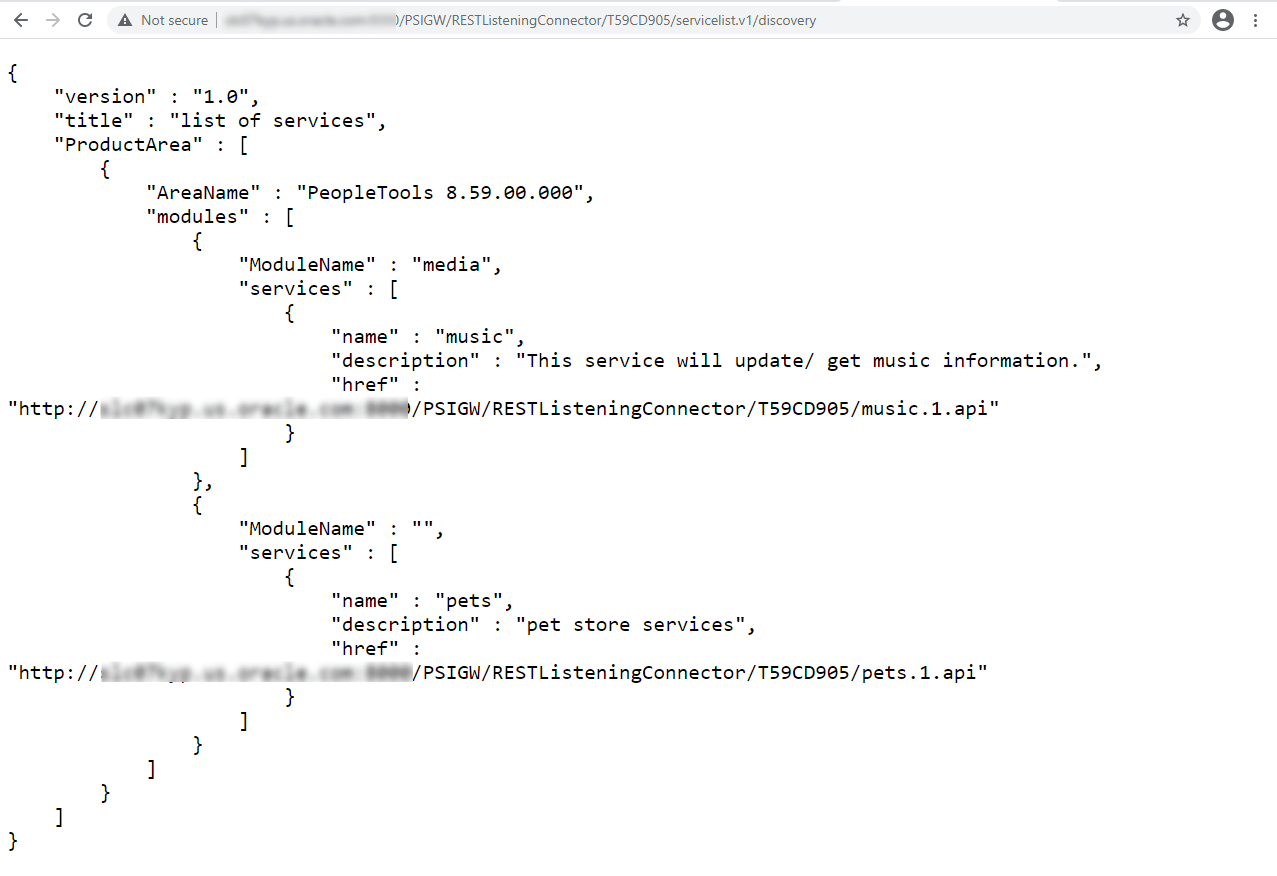
When this REST API is invoked it will return a list of exported services containing a link to the OpenAPI for each service in JSON.
This discovery service is used by Oracle's Integration Cloud (OCI) service. A PeopleSoft OIC adapter will be built based on this service.