Generating XML Message Schemas for Container Messages
XML message schemas for container messages are automatically generated when you save the definition. You can view the generated XML message schema on the Messages - Schema page. To access the page, select and click the Schema tab.
This example illustrates the Messages – Schema page. The example shows system-generated XML message schema for a container message with rowset-based message parts.
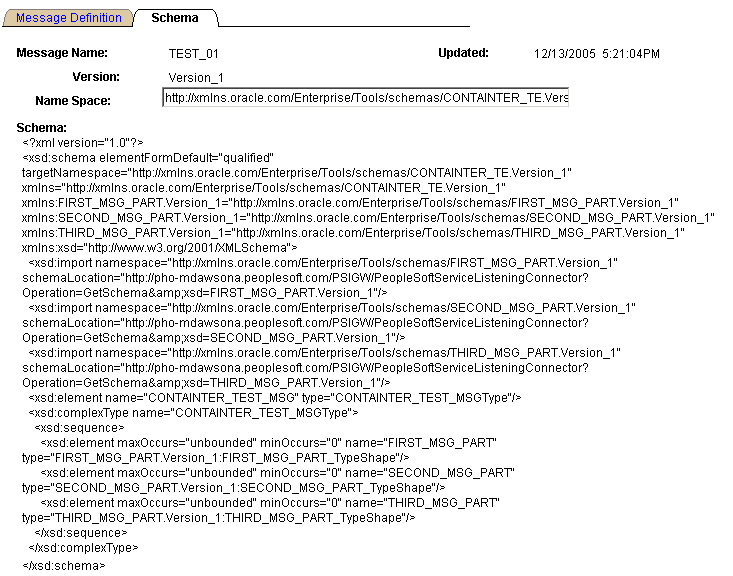
The namespace that is used in the XML message schema becomes by default the value that is defined on the Service Configuration page. To change the namespace, enter a the new namespace on the Schema page in the Namespace field, the Message Definition tab, and save the change. The XML message schema is generated again by means of the modified namespace value.