Renaming and Deleting Message Definitions
You can rename and delete messages using the Messages page (IB_HOME_PAGE5) in the Services Administration component (IB_HOME_PAGE). The Message page contains two sections: a Delete section that enables you to delete message definitions and a Rename section that enables you to rename message definitions.
To access the page, select and click the Messages tab.
When you first access the Messages page, all sections are collapsed. Click the section header arrow buttons to expand and collapse each section.
This example illustrates the Services Administration – Messages page. In the example the Delete and Rename sections are expanded.
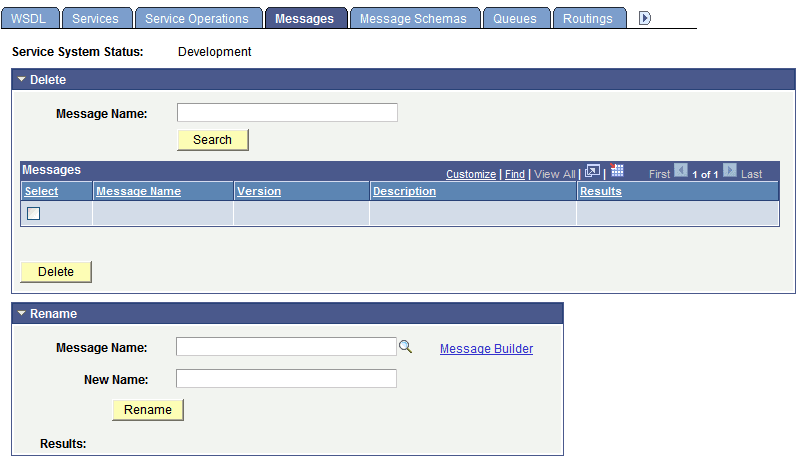
At the top of the page, the Service System Status field displays the current setting. The service system status, set on the Service Configuration page, affects the ability to rename and delete messages.