Step 2: Select Service
Use the Select Service page (IB_WSDL_IMP_SVC) to select the services to consume.
This example illustrates the Select Service page.
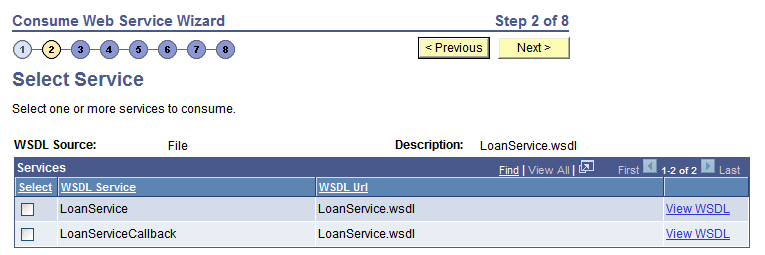
Before selecting services to consume, you can click the View WSDL link to view the WSDL for each service. The WSDL document opens in a browser. Close the browser when you have finished viewing the WSDL document.
WSDL documents that the PeopleSoft system consumes from pre-PeopleTools 8.48 systems display in an edit box.
To select services to consume:
-
Select the check box next to each service to consume.
To clear a selection, select the box again.
-
Click the Next button to proceed to the next step in the wizard.