Testing XSL Maps
You can test XSL maps for validity that you generate in the mapper using the Test XSL Map window. To access the Test XSL Map window, right-click anywhere in the code area and select Test.
This example illustrates the Test XSL Map window.
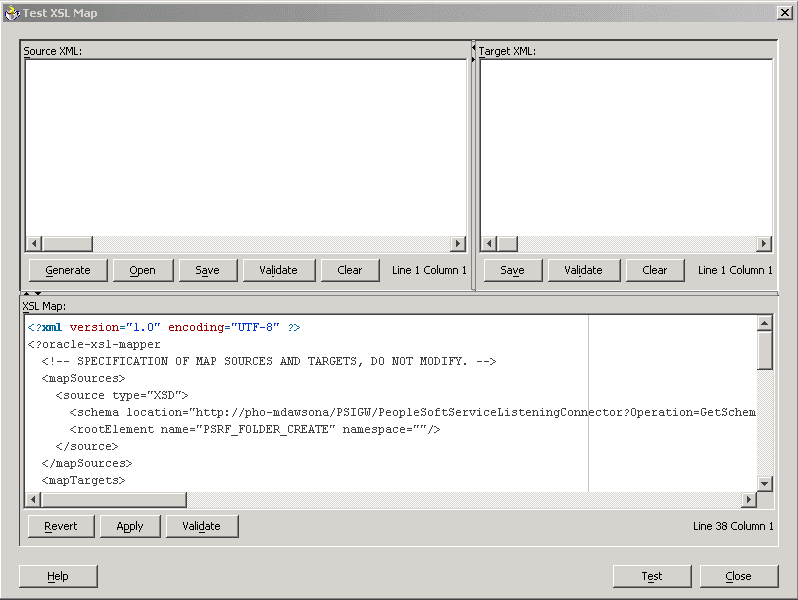
The code created by the record and field mapping displays in the bottom portion of the window.
Note:
This Oracle XSL Mapper test feature tests the validity of the XSLT map code. It does not test the transformation. To test a transformation, use the Transformation Test tool in the PeopleSoft Pure Internet Architecture.
To test XSLT code:
-
Access the Oracle XSL Mapper–Source view.
-
Right-click anywhere in the code area and select Test.
The Test XSL Map window appears.
-
In the XSL Map section of the window, click the Validate button.
A validation success or error message displays.