Specifying Languages That an Agent Supports
Access the Languages page using the following navigation path:
This example illustrates the fields and controls on the Languages page.
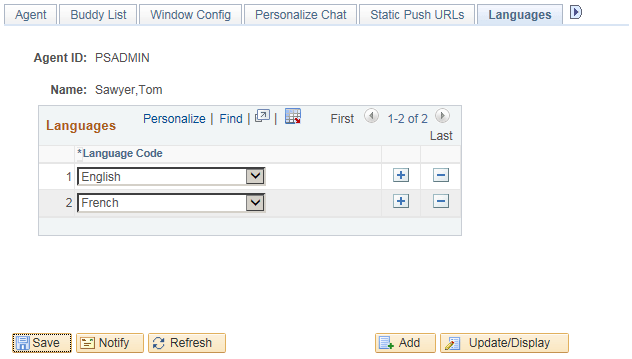
Specify the languages that each agent is qualified to support.
The agent is assigned only tasks that have been enqueued with a language code in the agent's language list. For the EnQueue() built-in function, the language code is specified as a parameter. For the InitChat() built-in function, the language code is determined by the user profile of the initiator.
If you do not specify a language code for a new agent, the default value is English.