Accessing the SQL Editor from Application Engine Programs
You can access the SQL Editor from the following action types:
-
Do Select
-
Do Until
-
Do When
-
Do While
-
SQL
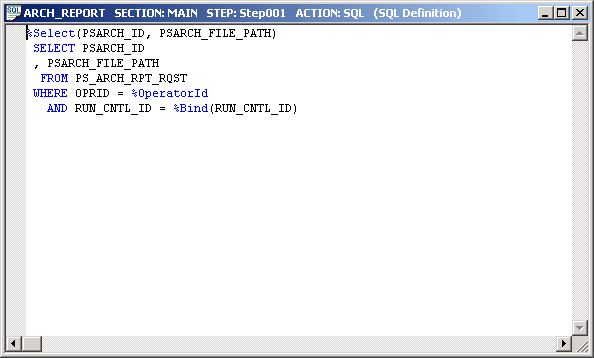
The following example shows an Application Engine SQL code in the SQL Editor:
To access the SQL Editor from an Application Engine program:
-
Open the Application Engine program.
-
Select the action.
-
Either right-click and select View SQL, or select View, SQL.
Select the database type and effective date for this SQL in the section, not in the SQL Editor.