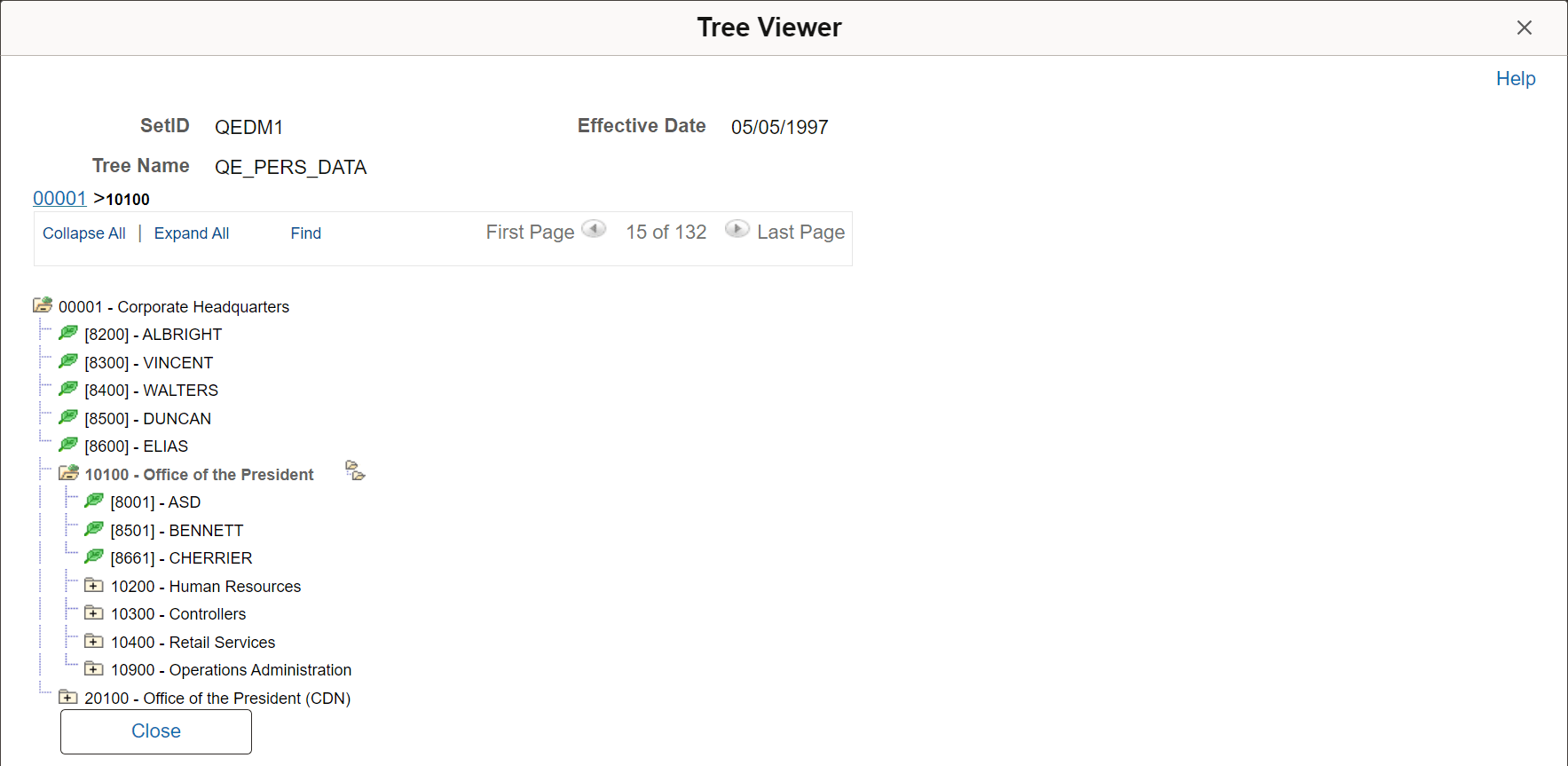
Example of Method A: Viewing Trees Without Multi-Node Selection
An example of an application that uses the Tree Viewer secondary page (PSTREEVIEWER) with the Multinodeselection flag set to "N" is the Copy/Delete Tree (PSTREEMAINT) component.
To view the Tree Viewer secondary page from the Copy/Delete Tree page:
-
Select
-
Select a tree.
-
Click the View button.
The following example shows the QE_PERS_DATA tree as viewed on the Tree Viewer secondary page without multi-node selection: