Changing the Axis Level
You can change the axis level by performing a dragging and dropping within row or column regions.
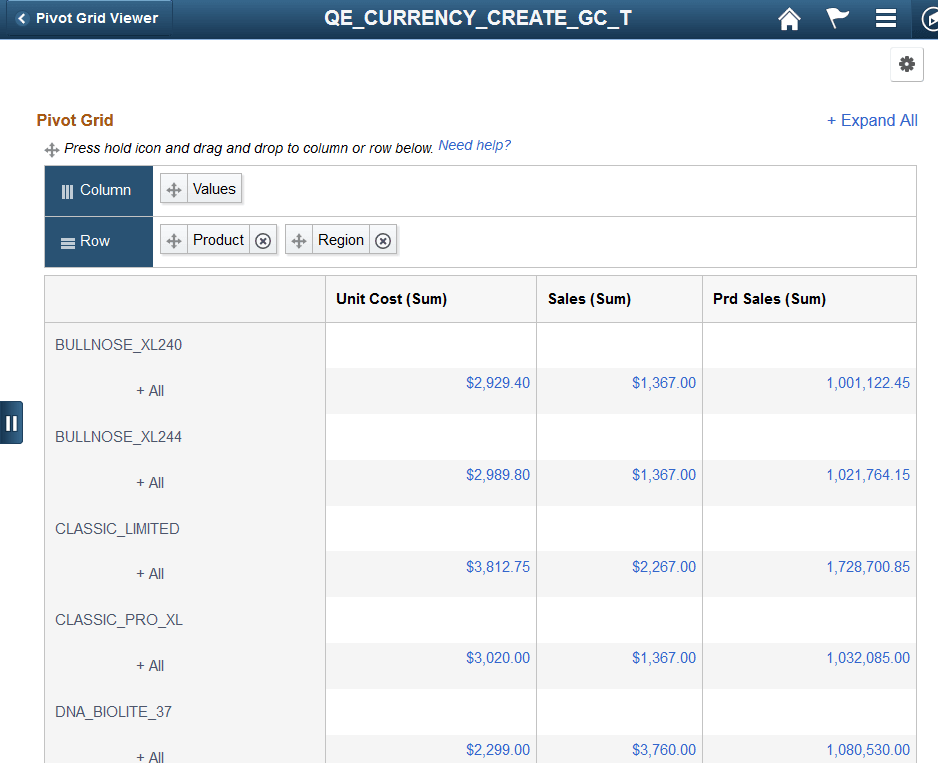
This example illustrates how to drag the Product axis and move it to before the Region axis. This move will place the Region axis below the Product axis.
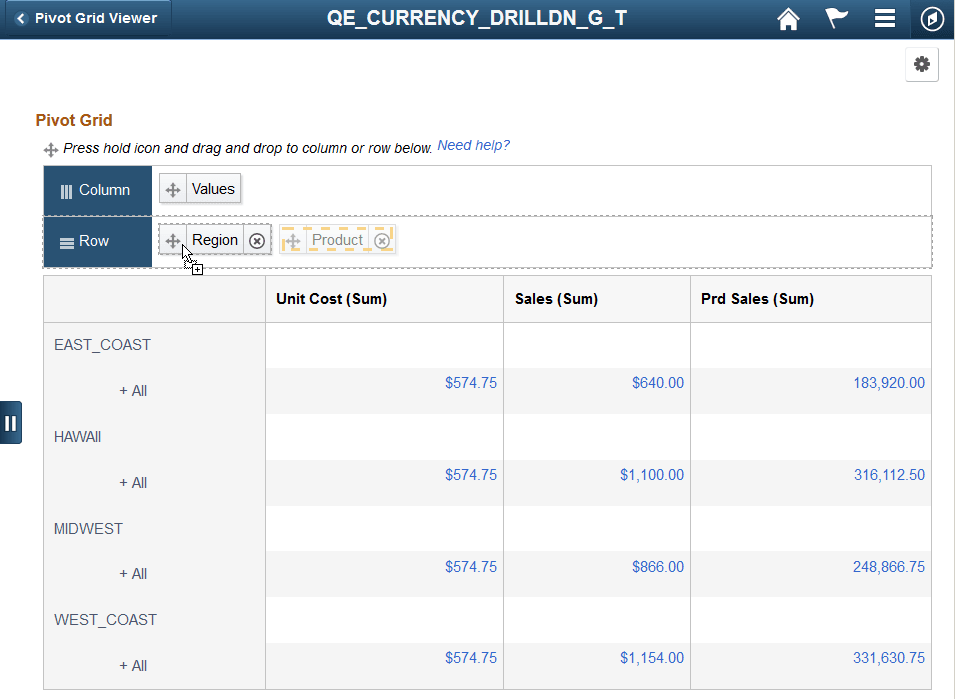
This example shows the Pivot Grid model after you drag Product axis and drop it on Region.