Displaying Operators on Editable Facets
Note:
Pivot grid engine uses ^ as a reserved character for internal processing for facet values. Using the ^ character in values will cause unexpected results.
Component based pivot grid models support operators, even for Prompt fields. You have to click More Options link to display all editable facets. Toggle Show Operators link and Hide Operators link to display a dropdown list of available operators.
The following example describes the editable facets on a component search page.
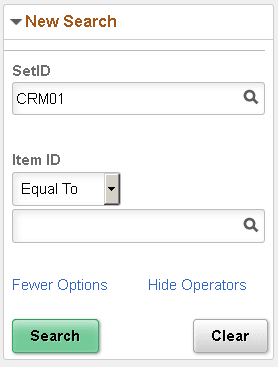
The following table lists few rules acting on the operators.
| Field Types | Supported Operators |
|---|---|
|
Prompts with edit table |
|
|
String |
|
|
Number |
|
|
Date |
|