Including Pivot Grid Fluid Subpages in Application Pages
The Pivot Grid and Chart view and facets of the In Process Applicants model can be shown within the Job Openings application page.
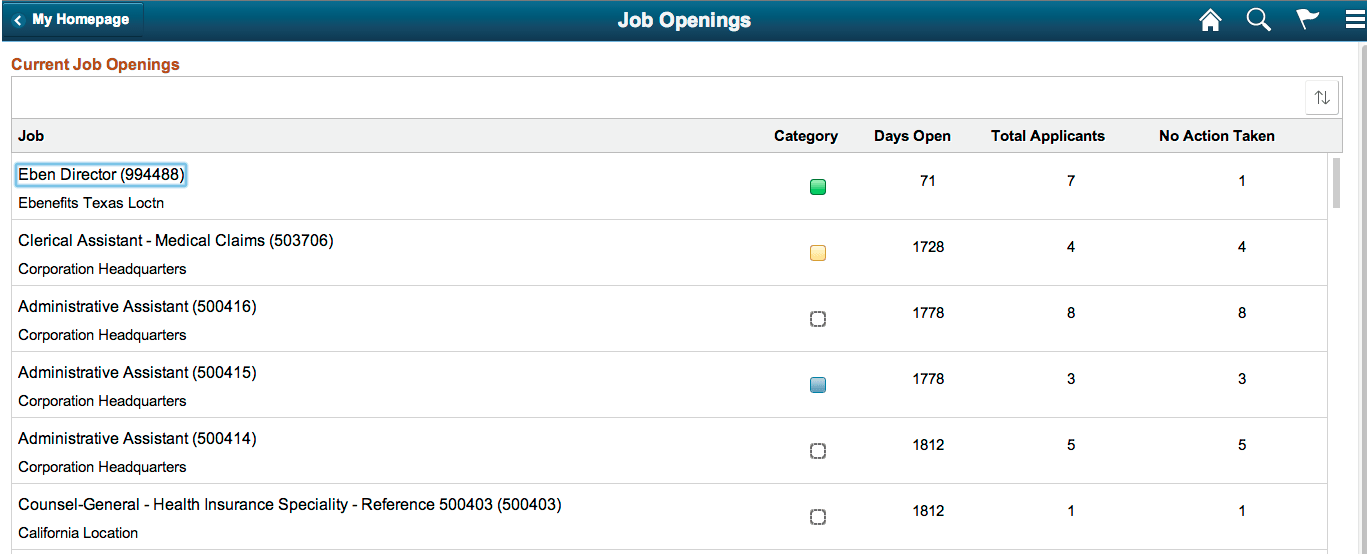
If you select Open Jobs tile from the default HCM homepage, a fluid page with a list of open job positions, number of days open, number of people who have applied, and so on appears.
This example shows the Job Openings application fluid page listing open job positions, number of days open, number of people who have applied, and so on.
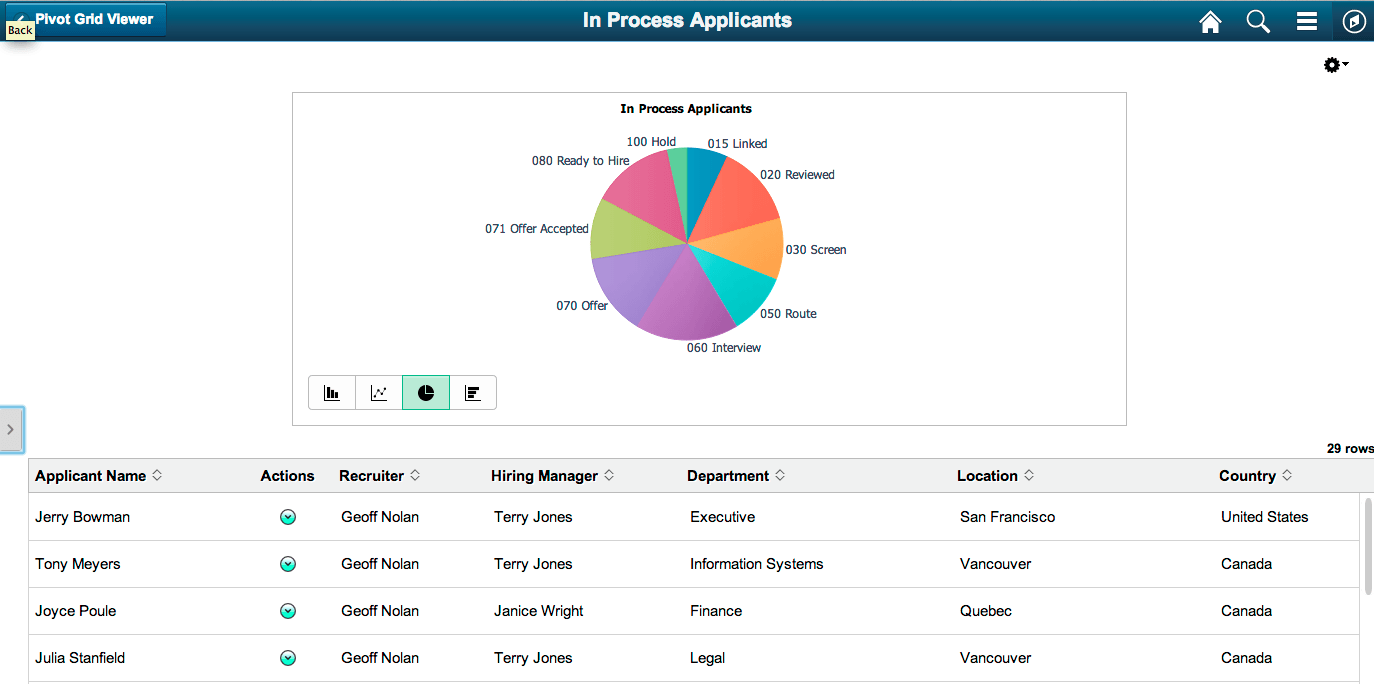
The HRMS analytics models include a Chart Only Pivot Grid model named In Process Applicants. This model presents data of applicants count. In addition, it has a collection of facets and prompts, such as Business Unit, Country, Applicant Name, Recruiter, and so on.
This example shows the In Process Applicants Pivot Grid model.
Application developers can create and include various views or subpages from a Pivot Grid model on the application fluid page. These views can be constructed by laying out the subpages in different combinations. In following sections you will use the In Process Applicants model within the Job Openings application page.