Performing Actions on the Pivot Grid Fluid View
Open the Pivot Grid Viewer search page from . Click the pivot grid model name to view pivot grid models in the fluid mode.
See, Pivot Grid Viewer Search Page.
Note:
You can also use tiles on the dashboards and homepages or the Related Information panel to view a Pivot Grid model in fluid mode.
This example illustrates a Pivot Grid Only model in the fluid view.
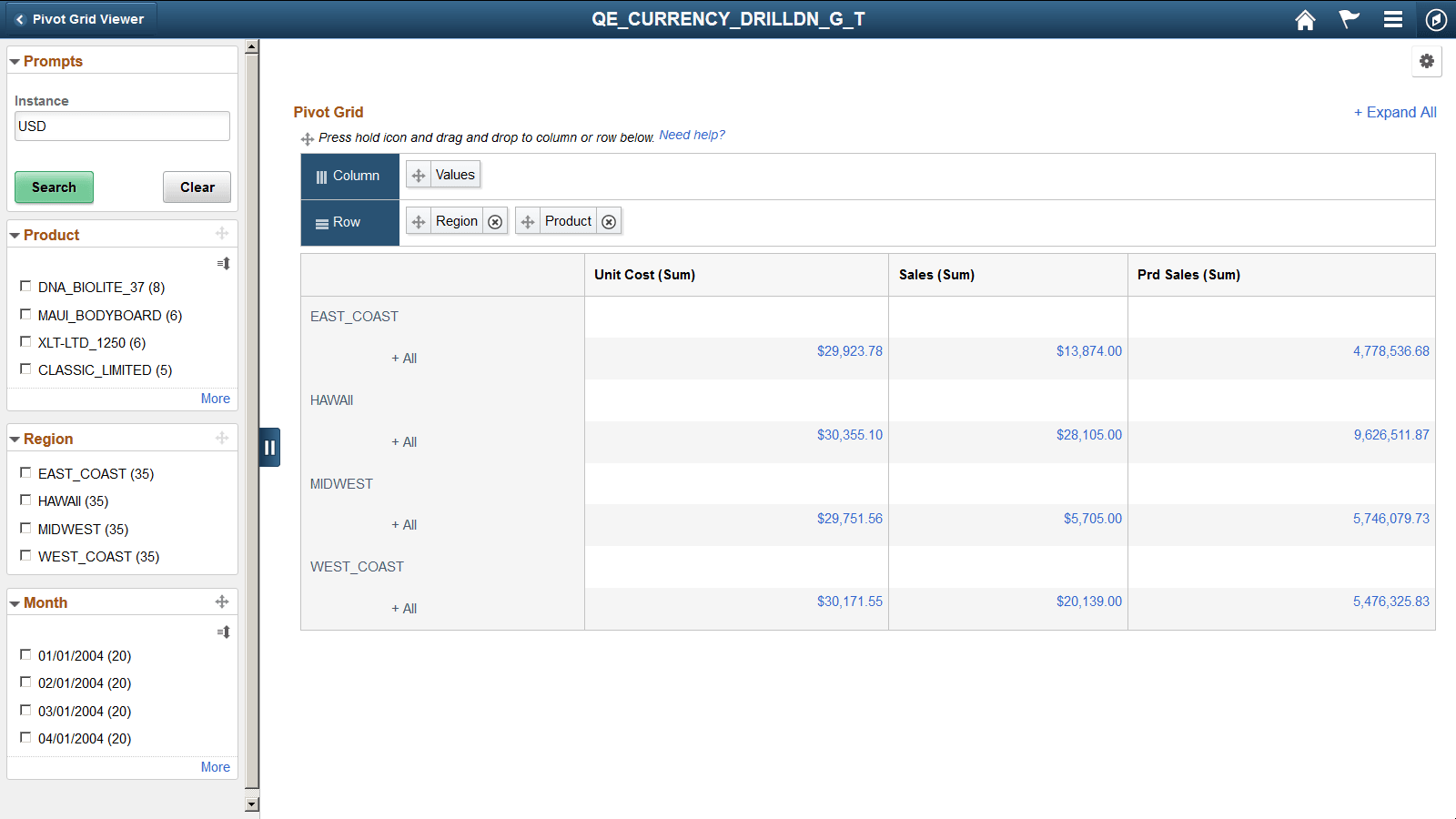
When the number of columns in the grid is less than the width of the view port, the grid expands to fill the space. However, when the number of columns is more than can be accommodated in the view port, a horizontal scrollbar is available for you to scroll and view the complete grid.
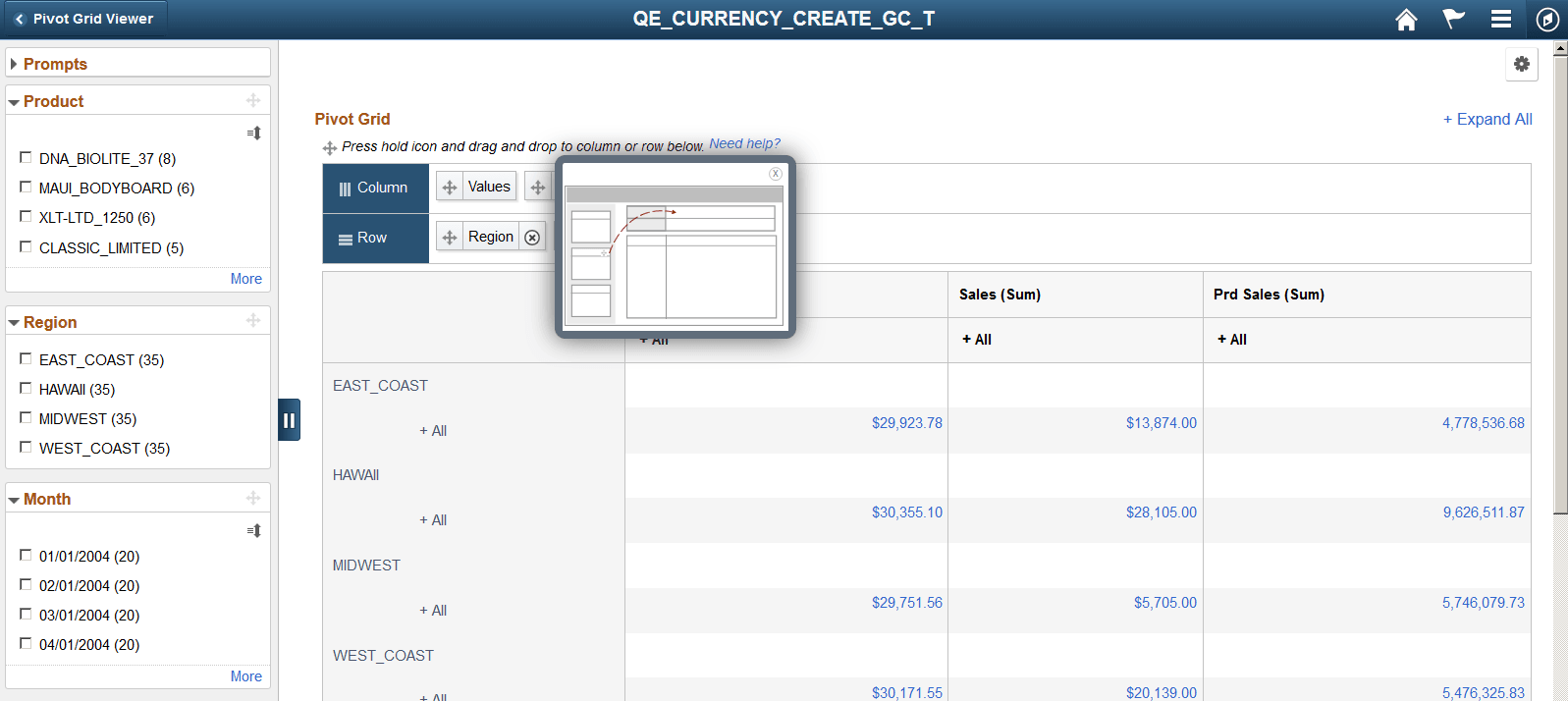
You can click the Need Help link in the grid region to view the help message for the drag-and-drop function.
This example illustrates the Need Help window when you click the Need help? link. Use the Need Help window to view how to drag filter to row or column.