Configuring the Fluid Dashboard
To configure a contextual fluid dashboard:
-
In the browser, select .
-
Select the Fluid Dashboards page.
-
Create a fluid dashboard definition.
-
Add contextually driven tiles to the dashboard.
-
In the portal registry, edit the content reference definition for this fluid dashboard.
Note:
The content reference definition can be found in Fluid Structure Content > Fluid Homepages.
-
Add a content reference attribute:
-
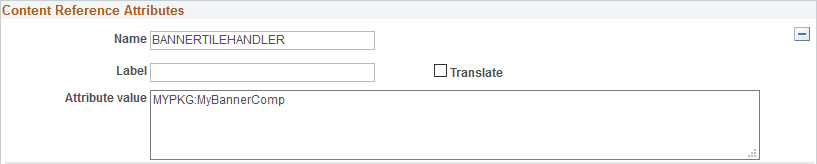
Name: BANNERTILEHANDLER
-
Translate: deselected
-
Attribute value: The name of your custom application class. For example: MYPKG:MyBannerComp
BANNERTILEHANDLER content reference attribute
The following example illustrates the definition of the BANNERTILEHANDLER content reference attribute.
-
Related Topics