Creating New Activity Guide Instances Manually
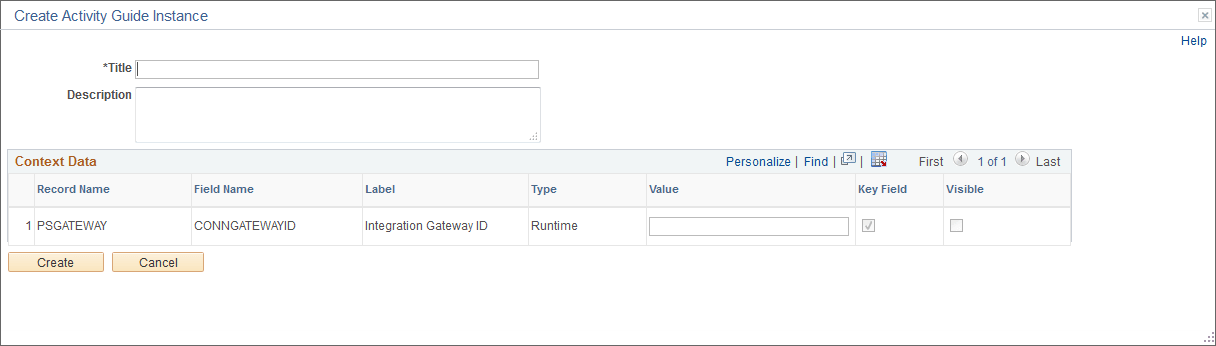
Use the Create Activity Guide Instance page to specify required context data in order to generate an instance manually.
Navigation:
-
-
Click the Properties link to modify an existing template.
Note:
Alternatively, in the Setup Activity Guide WorkCenter, click the Template Properties task.
-
Click the Create Instance button.
This example illustrates the fields and controls on the Create Activity Guide Instance page. You can find definitions for the fields and controls later on this page.
| Field or Control | Description |
|---|---|
|
Title |
Specify the title for this activity guide instance. |
|
Description |
Specify an optional description. |
|
Value |
If contextual data has been defined for the activity guide template, then you must specify a value for each contextual field. |
|
Create |
Click to create the instance. |
When you create an activity guide instance in this manner, action items along with template characteristics such as participants, contextual data fields, and pagelet and navigation options are copied from the template to the instance.