Defining Portals
Access the Portal Definitions page ().
This example illustrates the fields and controls on the Portal Definitions page. You can find definitions for the fields and controls later on this page.
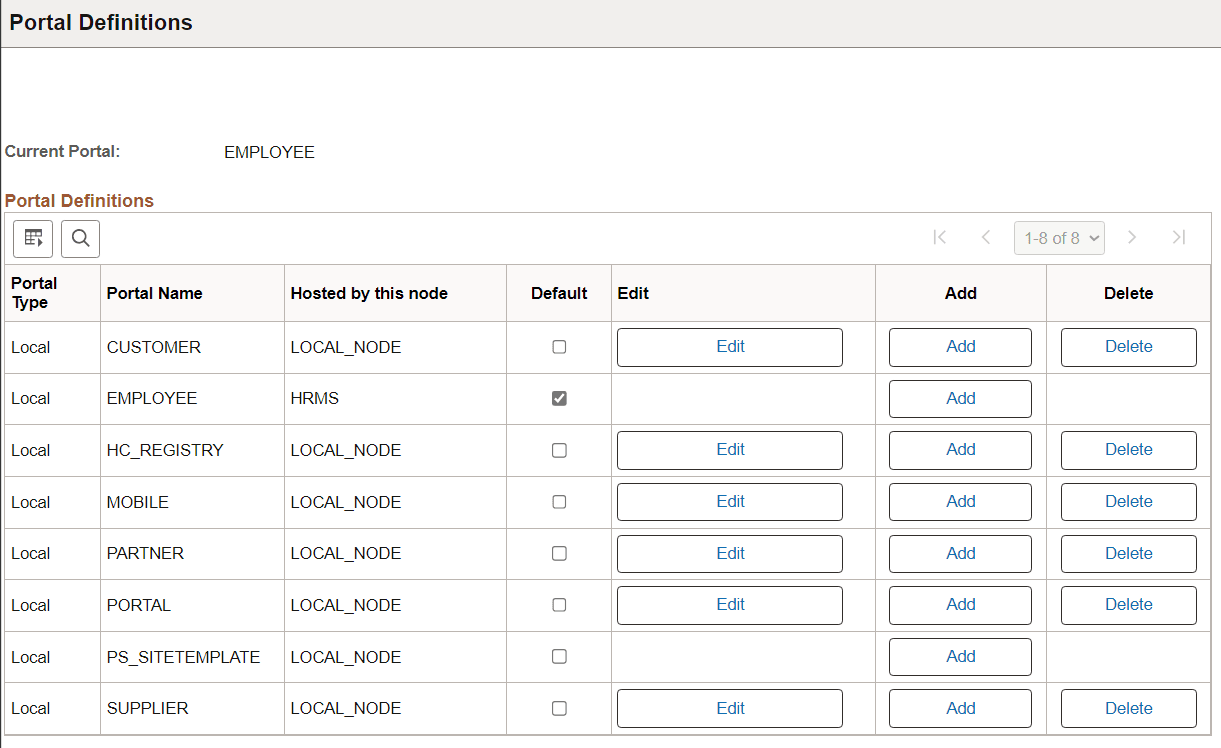
You can have multiple portals on a database or create one portal on multiple databases. You can define portals from other databases and associate them with a node. This supports transfers between portals and redirected requests for a portal not supported by the local web server.
| Field or Control | Description |
|---|---|
|
Portal Type |
Displays the attribute of the selected node. Possible types are Local and Remote. |
|
Default |
Select to use this as the default node. Only local nodes can be the default. If you change the default, be sure to click the Save button. |
|
Edit |
Click to update the portal definition. Note: This button does not appear for the site template or the local node that is currently in use. To modify the current portal, use the General Settings page. |
|
Add |
Click to add a new portal definition. The new portal is listed in alphabetical order. |
|
Delete |
Click to delete a portal definition. You cannot delete the site template or node that is currently in use. |
Related Topics