Running the Synchronize Collection Security Process
Access the Synchronize Collection Security page. (Select .)
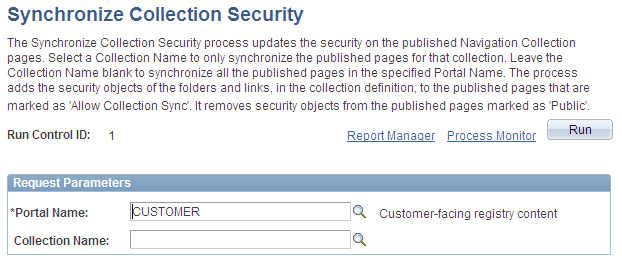
This example illustrates the fields and controls on the Synchronize Collection Security page. You can find definitions for the fields and controls later on this page.
Request Parameters
| Field or Control | Description |
|---|---|
|
Portal Name |
Select the portal for which you want to synchronize security for published navigation collections. |
|
Collection Name |
Select the navigation collection for which you want to synchronize security. Only navigation collections created for the selected portal are available for selection. Leave this field blank if you want to synchronize security for all navigation collection publications that exist in the selected portal. Note: Navigation collection pages or pagelets that were published with the Do Not Allow Security Sync option selected on the Publish Collection page are not eligible for processing. |
Related Topics