Running the Delete Empty Folders Process
Access the Delete Empty Folders page. (Select .)
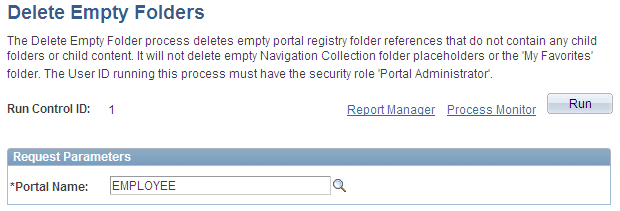
This example illustrates the fields and controls on the Delete Empty Folders page. You can find definitions for the fields and controls later on this page.
Request Parameters
| Field or Control | Description |
|---|---|
|
Portal Name |
Select the portal for which you want to delete portal registry folder references that do not contain child folders or content. |