Specifying the Menu Location of a Dashboard
Use the Select the Dashboard Link Parent Folder page (PTAL_SELECT_FREF) to specify the location of the link to the dashboard in the portal menu structure.
Navigation:
On the Dashboard Page Administration page, click the look up button for the Parent Folder field.
This example illustrates the fields and controls on the Select the Dashboard Link Parent Folder page. You can find definitions for the fields and controls later on this page.
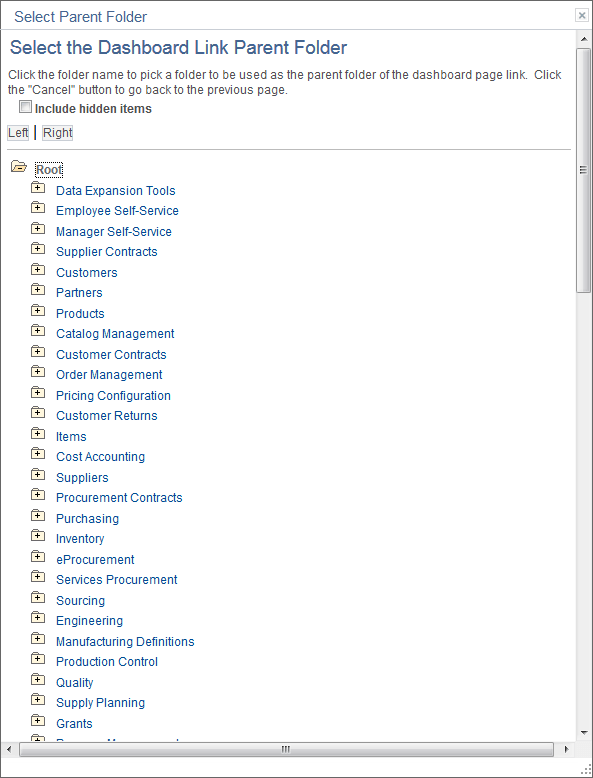
To select the parent folder of the link to the dashboard, you must navigate through the menu tree until you see the destination folder.