Specifying User-Defined Data Source Parameters
Click the User Values button on the Specify Data Source Parameters page to display the Specify Data Source Parameters Values page.
This example illustrates the fields and controls on the Specify Data Source Parameter Values page.
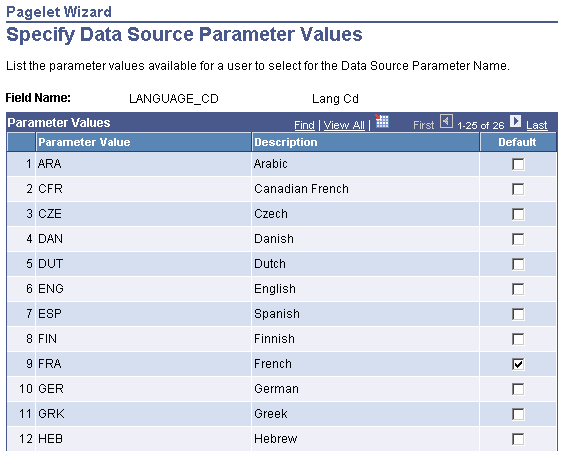
Select the parameter value to be displayed to the user as the default value for the field. Users can select from this list of valid values when they personalize the pagelet.