Testing the Single Signon Configuration
To test single signon in the unified navigation node network on the designated portal system:
-
Access the Configure Unified Navigation navigation collection. (See Configure Unified Navigation Fluid Navigation Collection.)
-
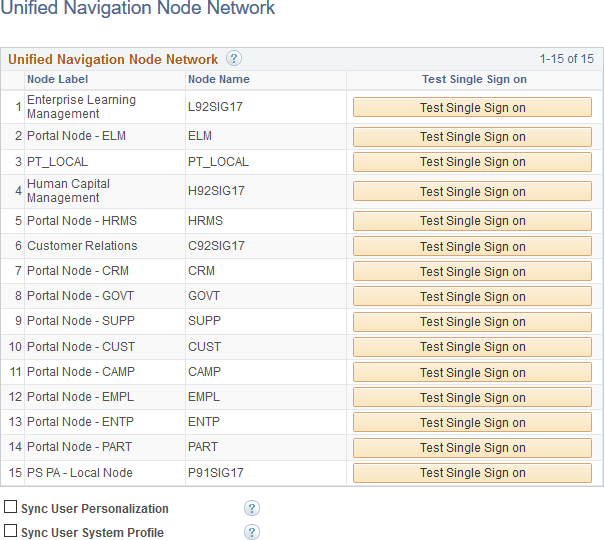
In the Configure Unified Navigation navigation collection, expand the Unified Navigation Setup section and click the Unified Navigation Network link to open the Unified Navigation Node Network page in the target area.
This example illustrates the fields and controls on the Unified Navigation Node Network page.
-
Click the Test Single Signon button to validate the single signon configuration for that remote node.